Trustful for Mac: A Secret Photo Vault for macOS with iCloud Sync, Touch ID, and Smart Search
Trustful brings encrypted photo and video storage to Mac with Touch ID unlock, private albums, smart search, metadata, and iCloud sync across Apple devices.
Written by Maulik Sutariya
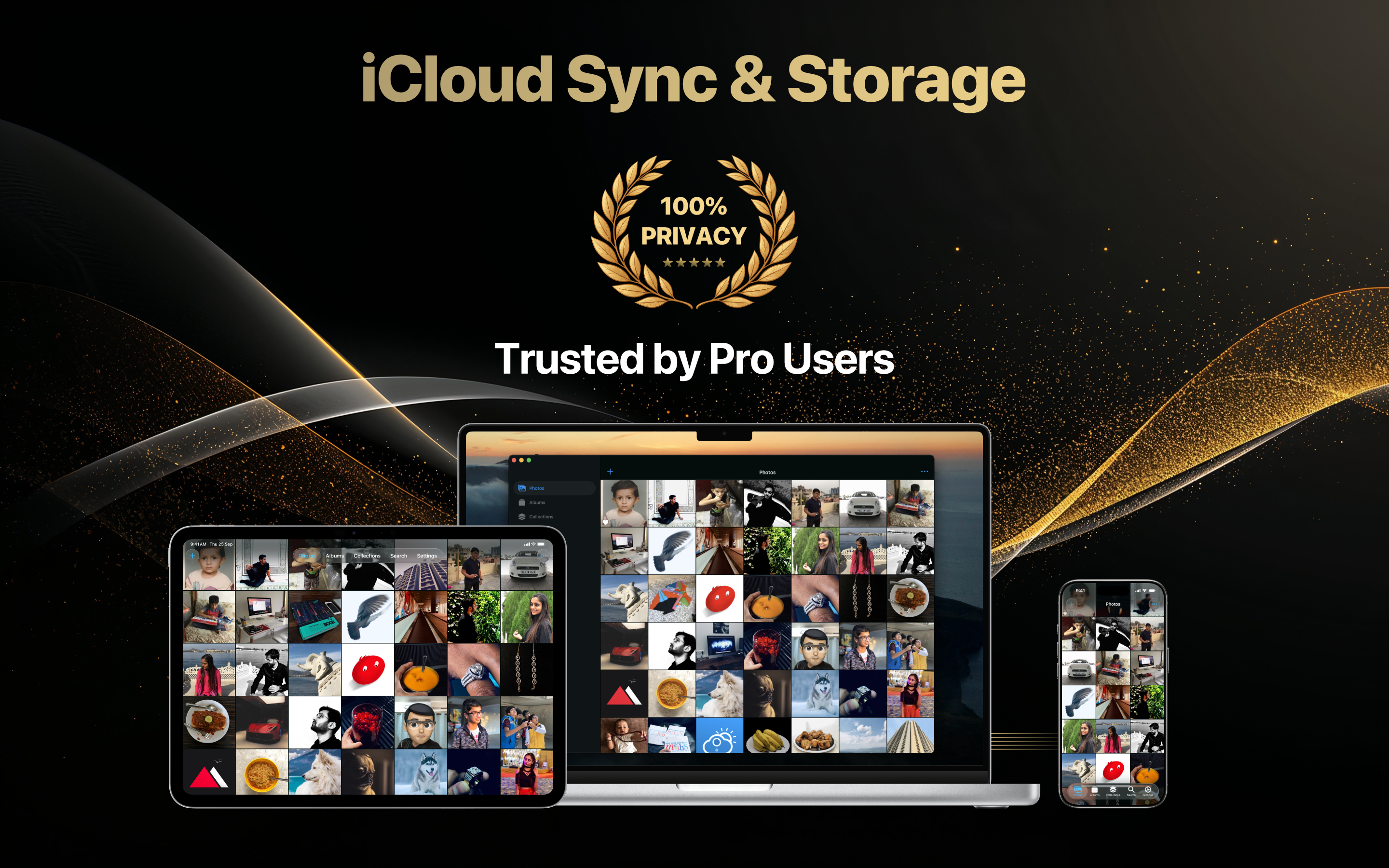
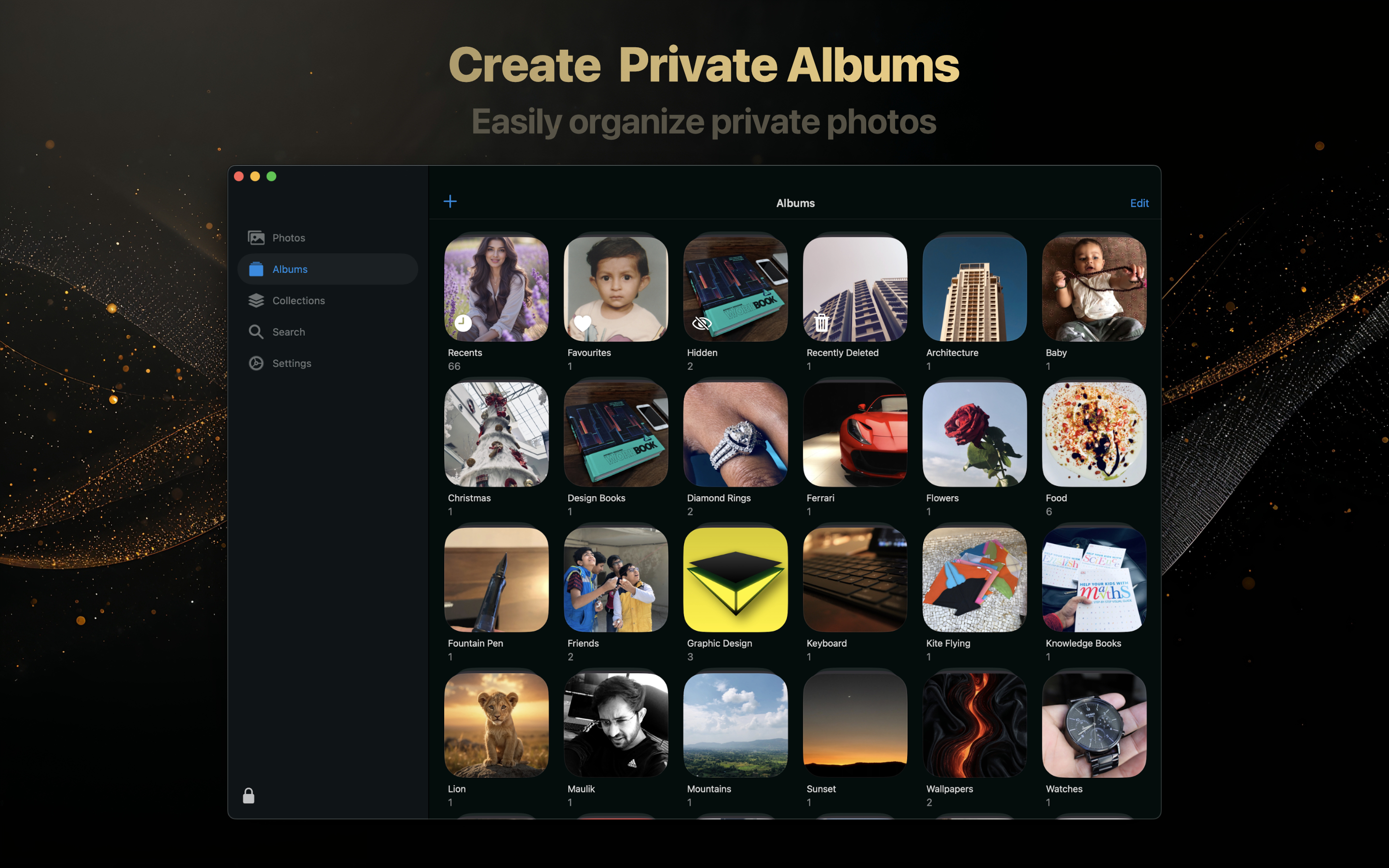
Macs often become the place where our most important files settle: family photos, personal videos, screenshots, documents, memories, and private media that deserve more care than a normal folder can provide.
Trustful brings a Secret Photo Vault experience to macOS, with encrypted photo and video storage, Touch ID or password unlock, iCloud sync, smart search, albums, collections, metadata, and a calm Mac interface designed around privacy.
If you want a photo vault for Mac that feels native to the Apple ecosystem, Trustful is built for exactly that.
A Private Place For Photos And Videos On Mac
Trustful is designed to help you keep personal photos and videos separate from the rest of your Mac. Instead of leaving sensitive media in ordinary folders, you can store it inside an encrypted space made specifically for privacy.
On macOS, the larger screen makes the experience especially useful. You can browse your private collection comfortably, organize albums, review metadata, and manage photos and videos with the clarity of a desktop layout.
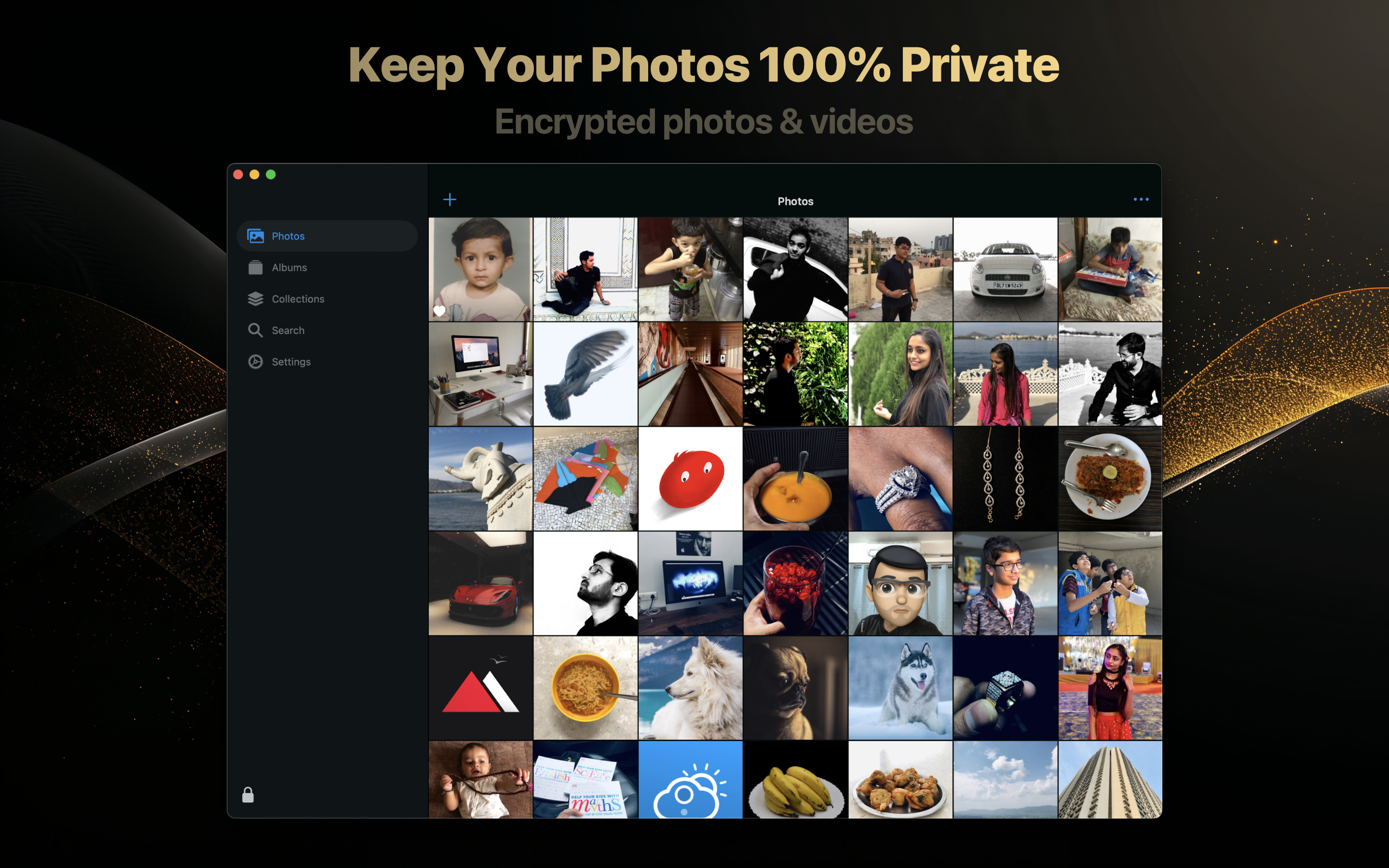
Unlock With Touch ID Or Master Password
Security should feel strong, but it should not feel annoying. Trustful lets you unlock your vault using Touch ID or your master password, so your private media stays protected while still being easy to access when you need it.
This is especially helpful on Mac, where someone else may be nearby, borrowing your computer, or looking at your screen. Trustful gives your personal media its own protected boundary.
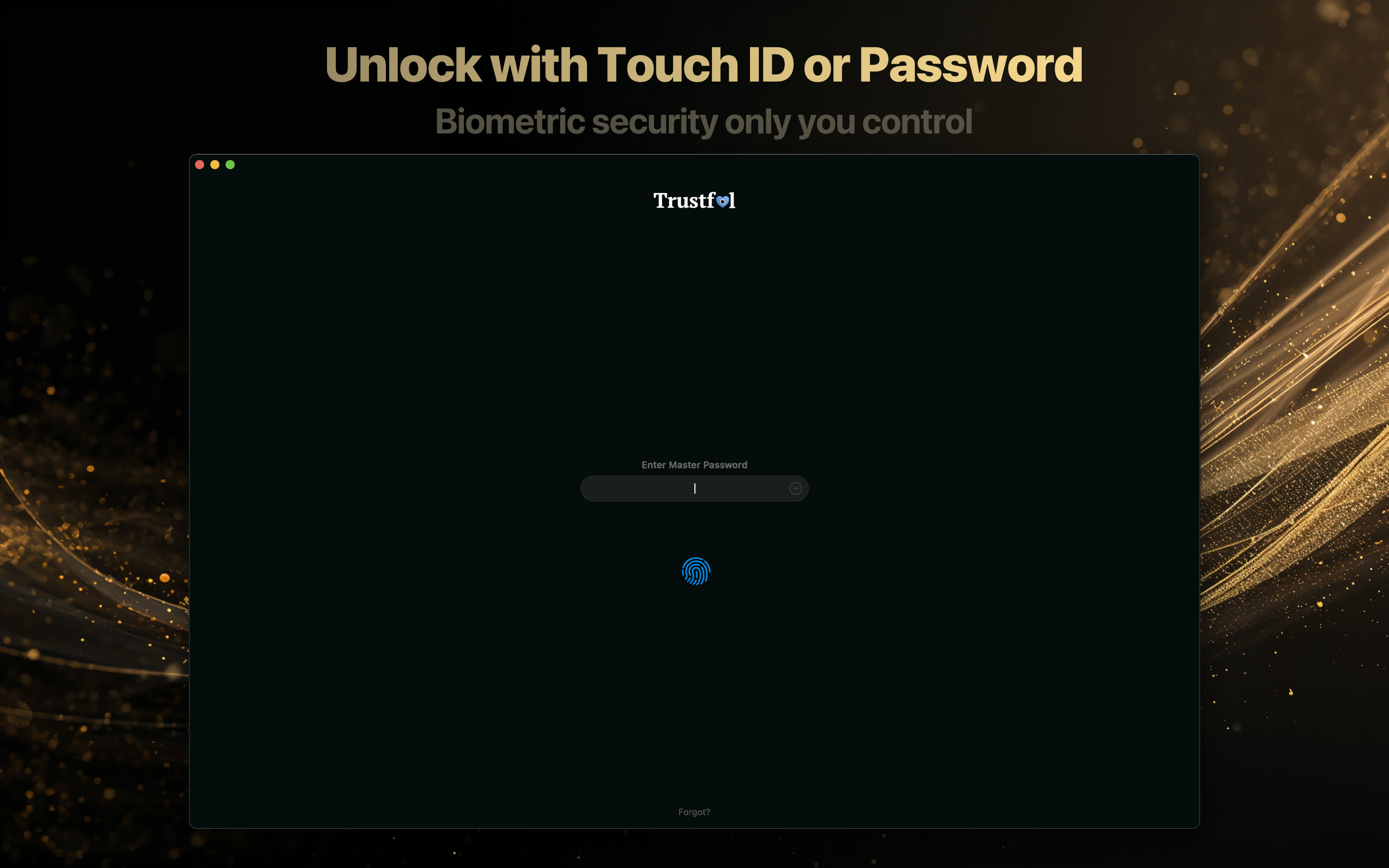
Organize With Albums And Collections
A good vault should do more than hide things. It should help you stay organized.
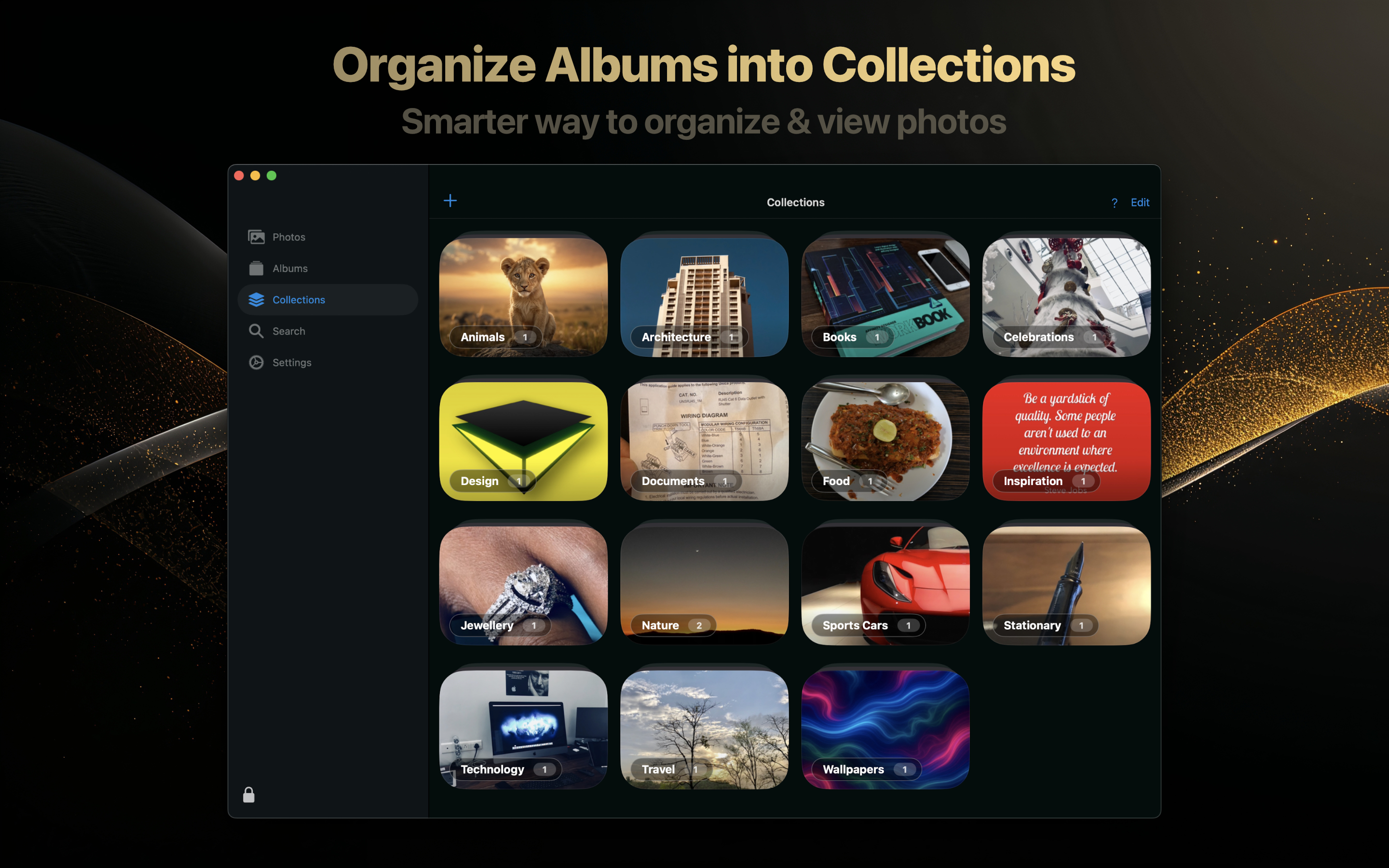
Trustful supports private albums, so you can group photos and videos by person, topic, project, memory, or anything else that makes sense to you. Collections add another layer of organization by letting you group albums together in a cleaner structure.
Smart Search For Faster Discovery
As your collection grows, finding the right photo becomes just as important as storing it safely.
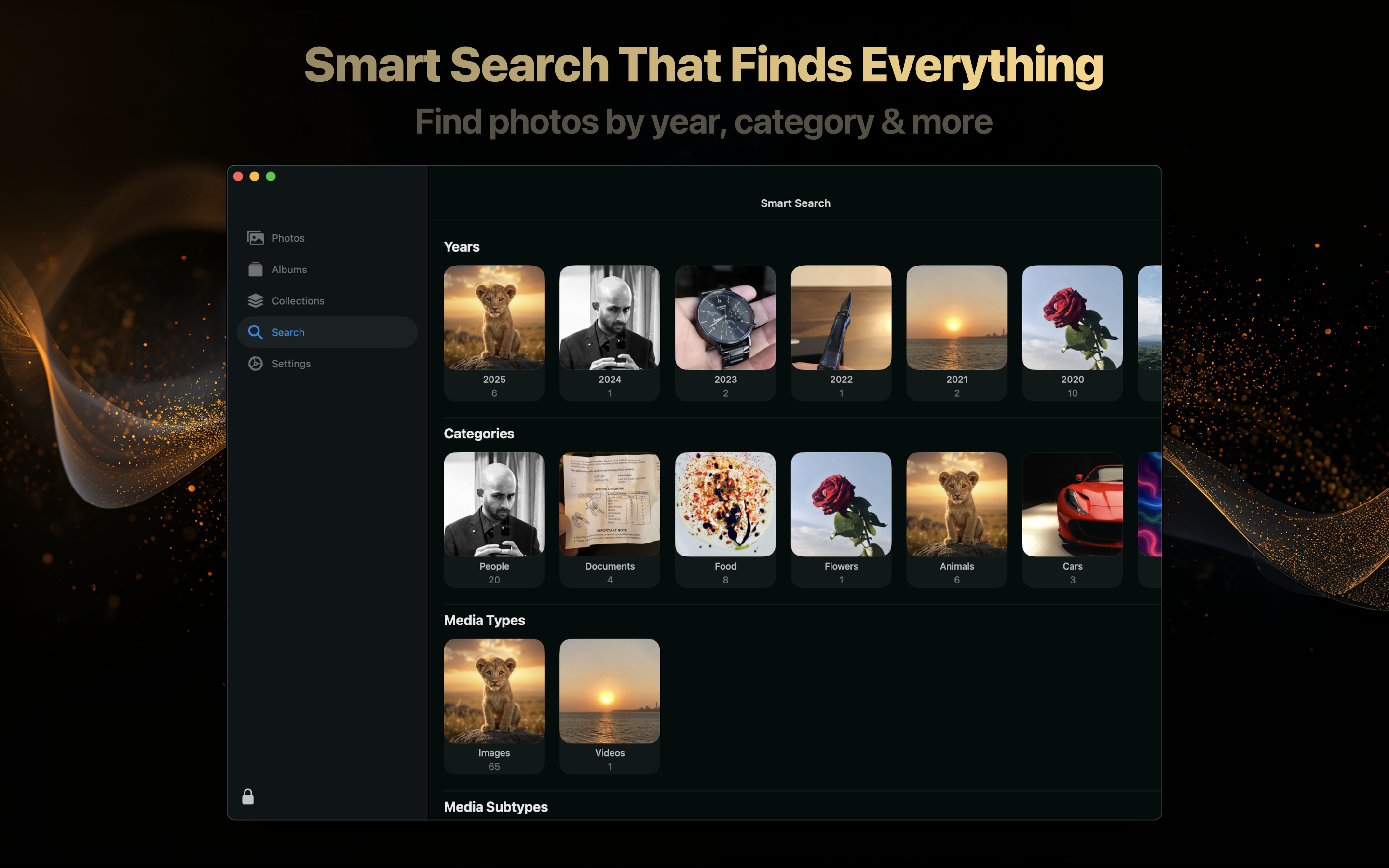
Trustful includes Smart Search to help you discover photos by year, category, media type, and more. That makes the Mac app useful not only as a secure storage place, but also as a practical library for browsing and finding the media you care about.
View Photos And Videos Securely
Trustful includes a secure viewer for photos and videos, so you can open media inside the app without treating privacy as an afterthought.
The Mac experience gives your photos room to breathe while keeping the interface focused. You can view what matters, then return to your organized vault without moving private media back into an exposed location.

See Useful Photo And Video Information
Sometimes privacy is not only about where a file is stored. It is also about understanding what information is attached to it.
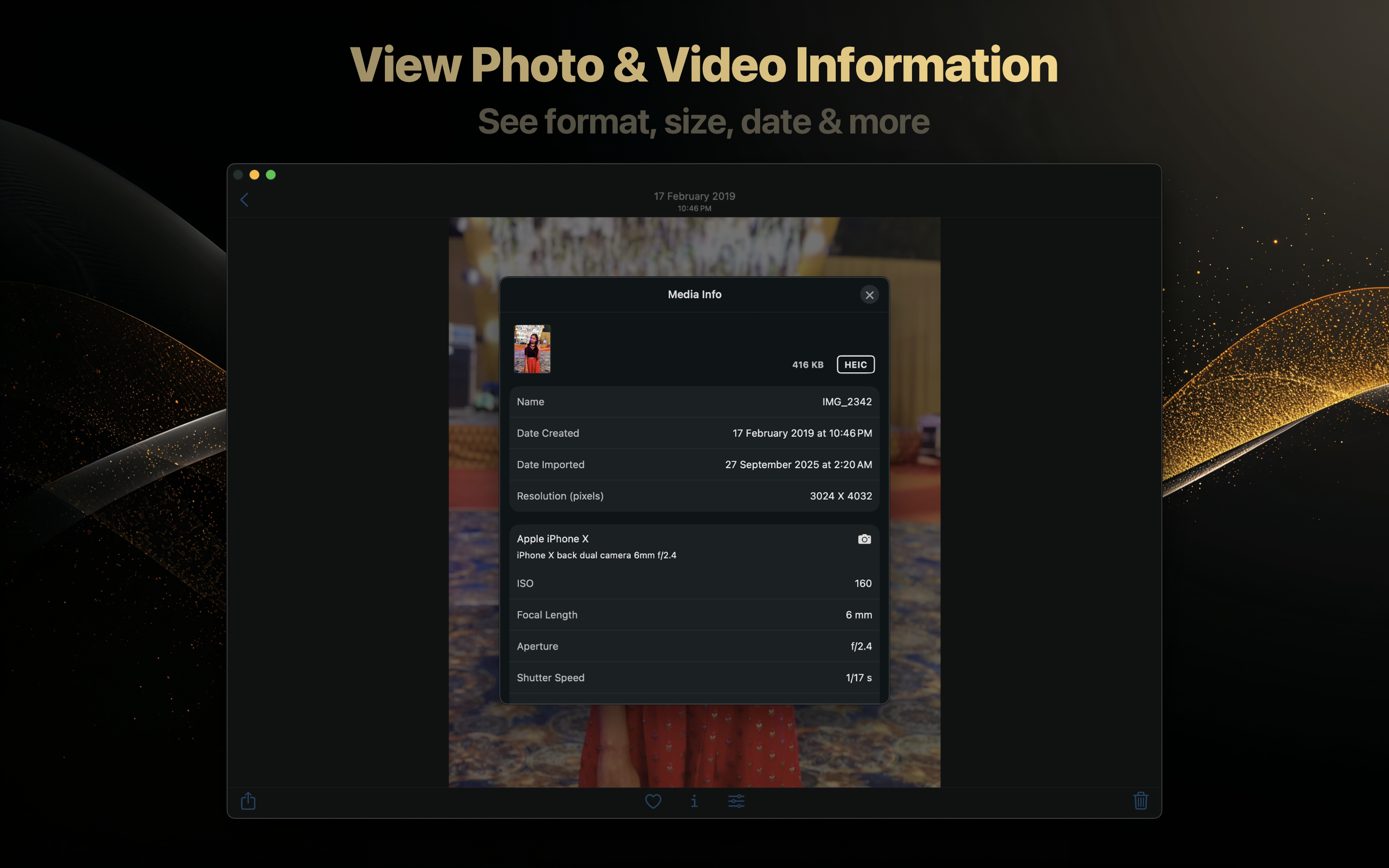
Trustful can show photo and video information such as format, size, date, resolution, and camera details. For people who care about their media library, this turns the vault into a more complete photo management experience on Mac.
Built Around Privacy Features
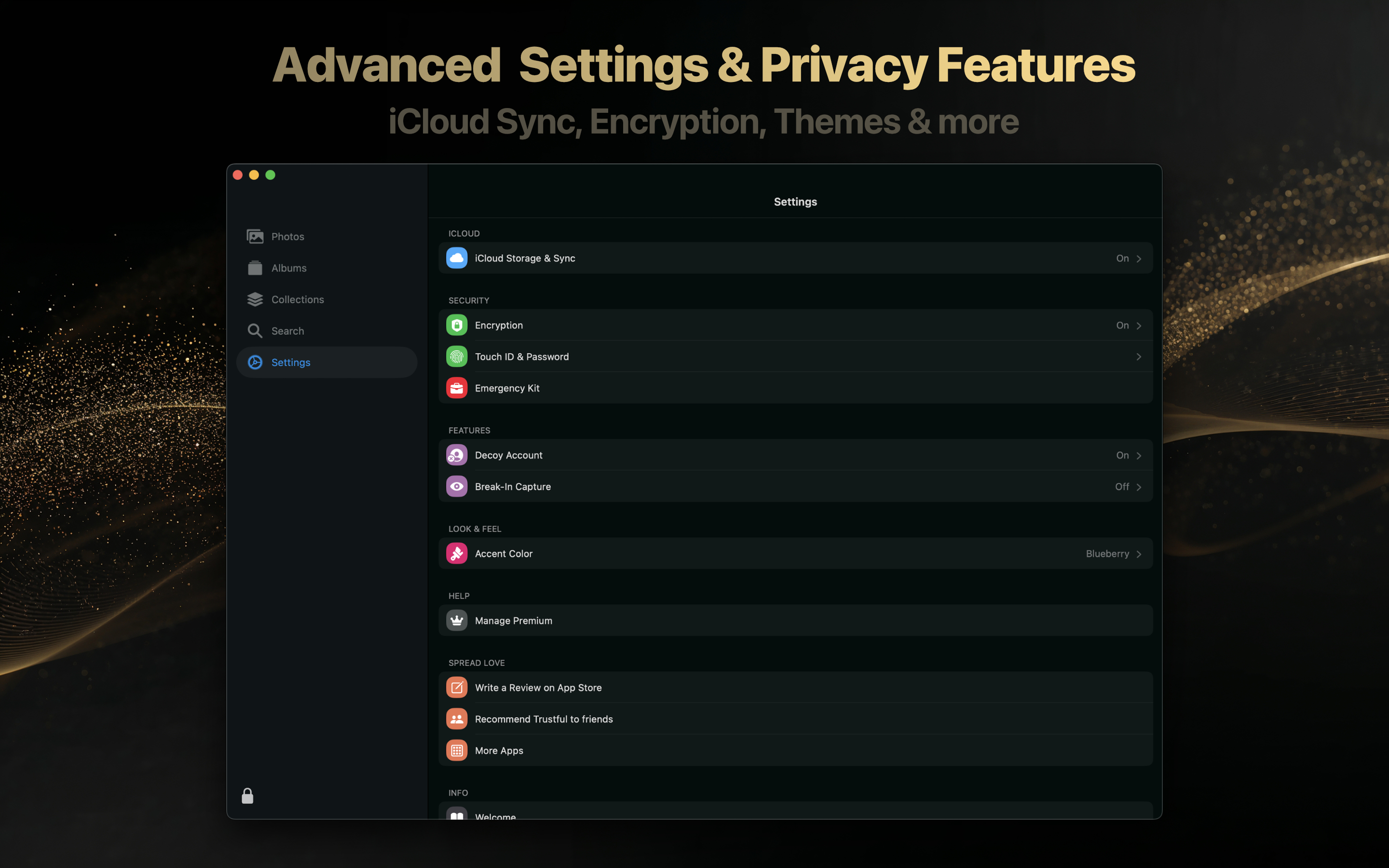
Trustful includes privacy-focused settings such as iCloud Storage & Sync, encryption, Touch ID and password protection, decoy account support, break-in capture, and appearance customization.
The goal is simple: your private photos and videos should stay yours, while the app remains comfortable enough to use every day.
iCloud Sync Across Apple Devices
Trustful is available for iPhone, iPad, and Mac. With iCloud sync, your encrypted media can stay available across your Apple devices while remaining protected.
That means you can import or view personal photos on one device and keep access on another, without turning privacy into a daily inconvenience.
A Secret Photo Vault Made For Mac Users
Trustful for Mac is built for people who want a private, encrypted, Apple-native way to store and organize personal photos and videos on macOS.
If you are looking for a Secret Photo Vault for Mac with Touch ID unlock, iCloud sync, smart search, albums, collections, and encrypted storage, Trustful is ready for your Mac.