
Stills
Save Photo From Video


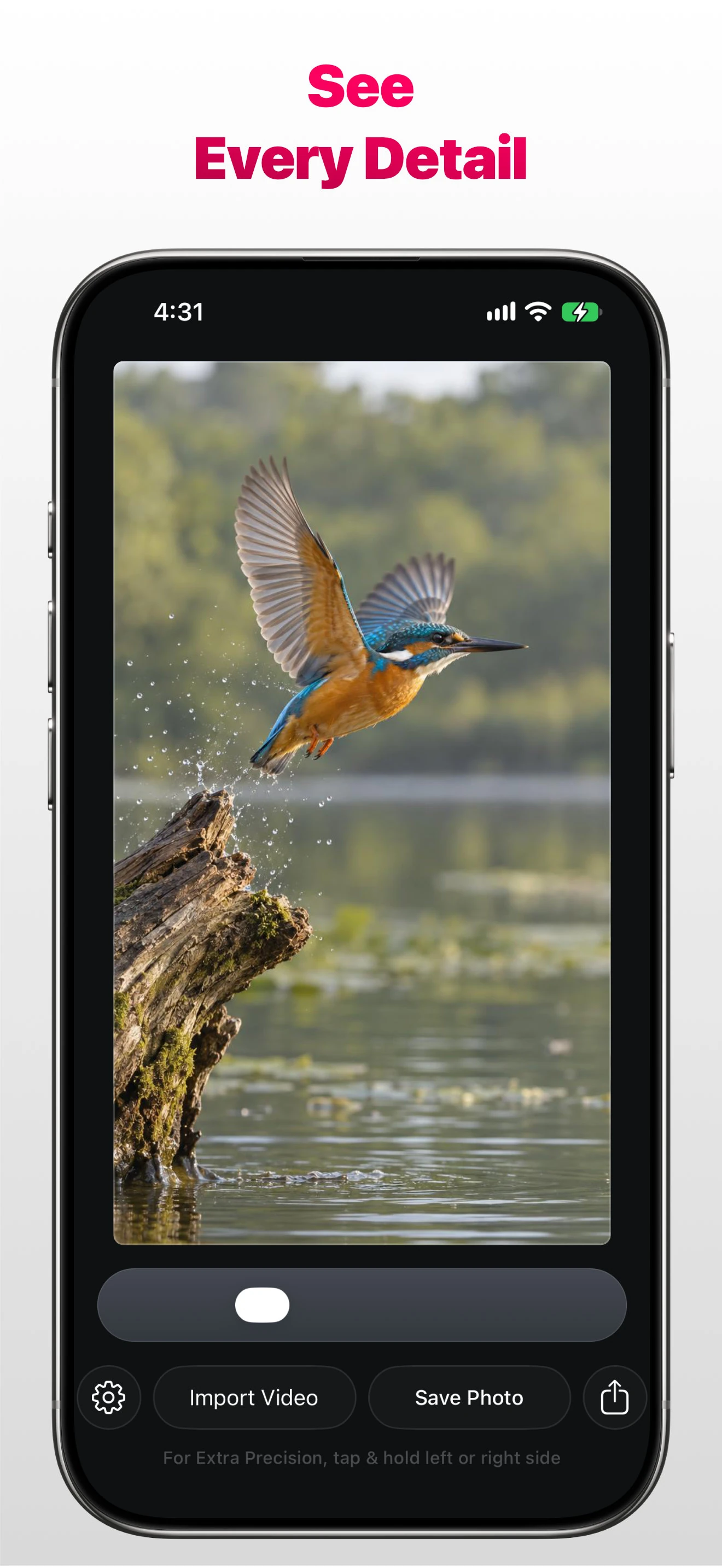
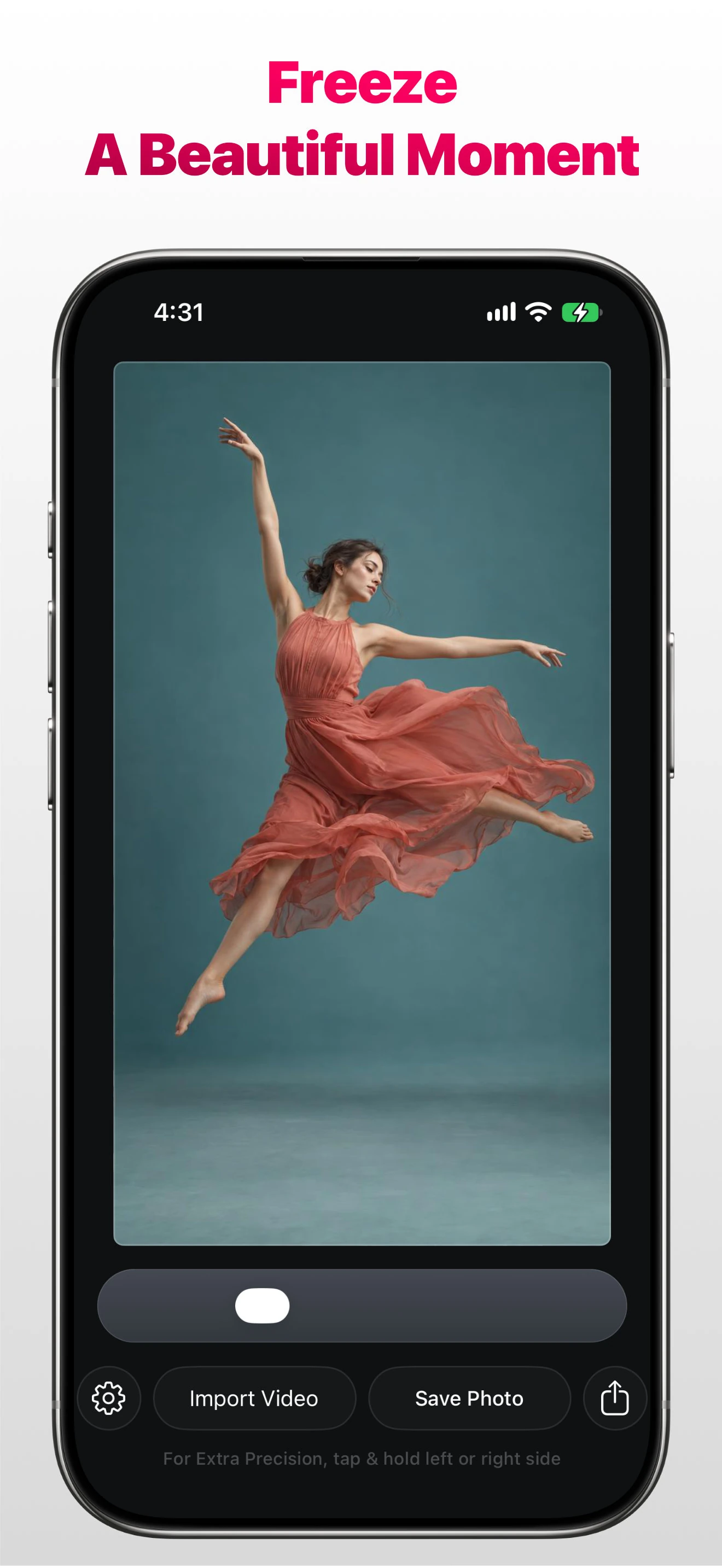
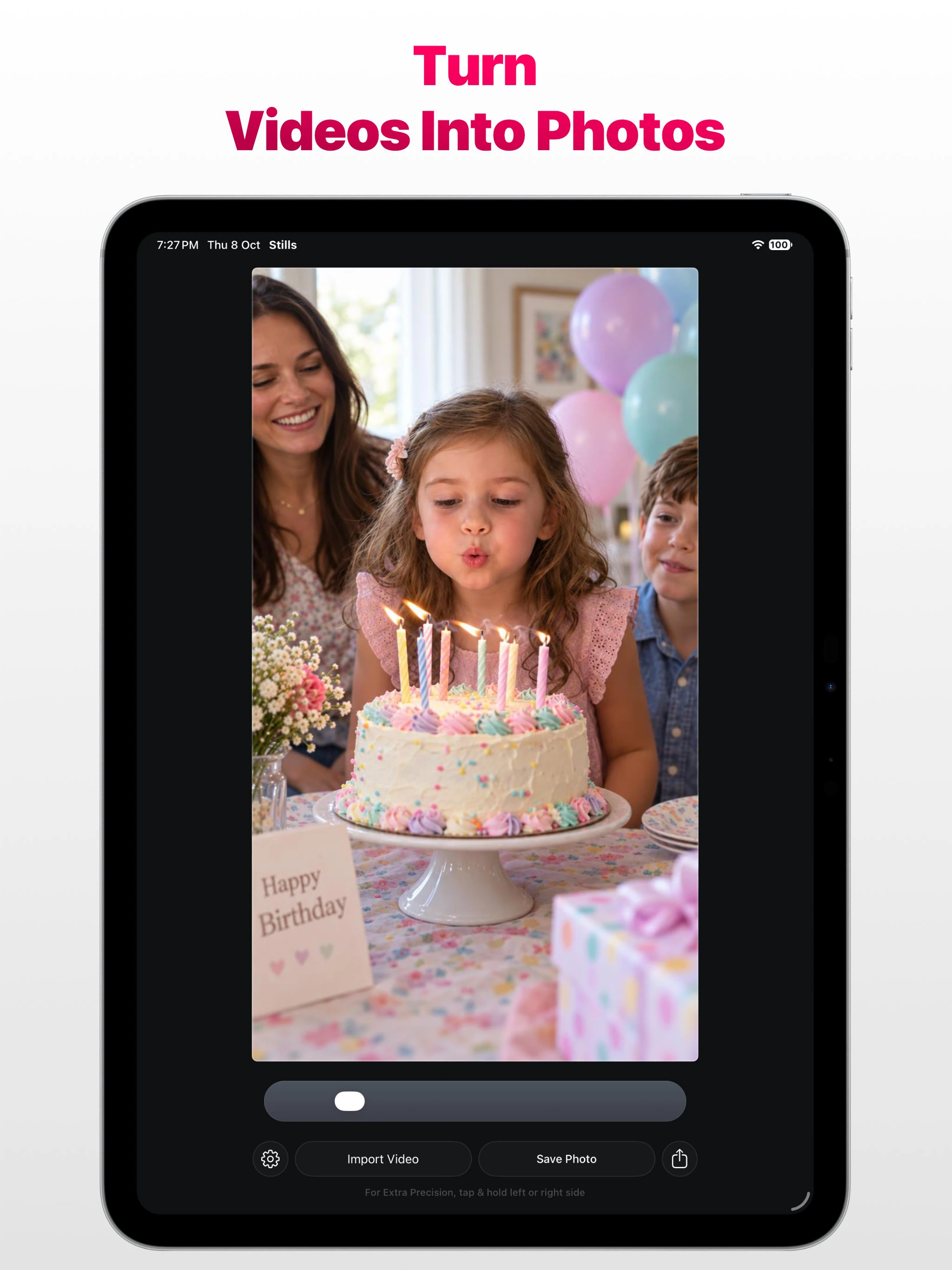
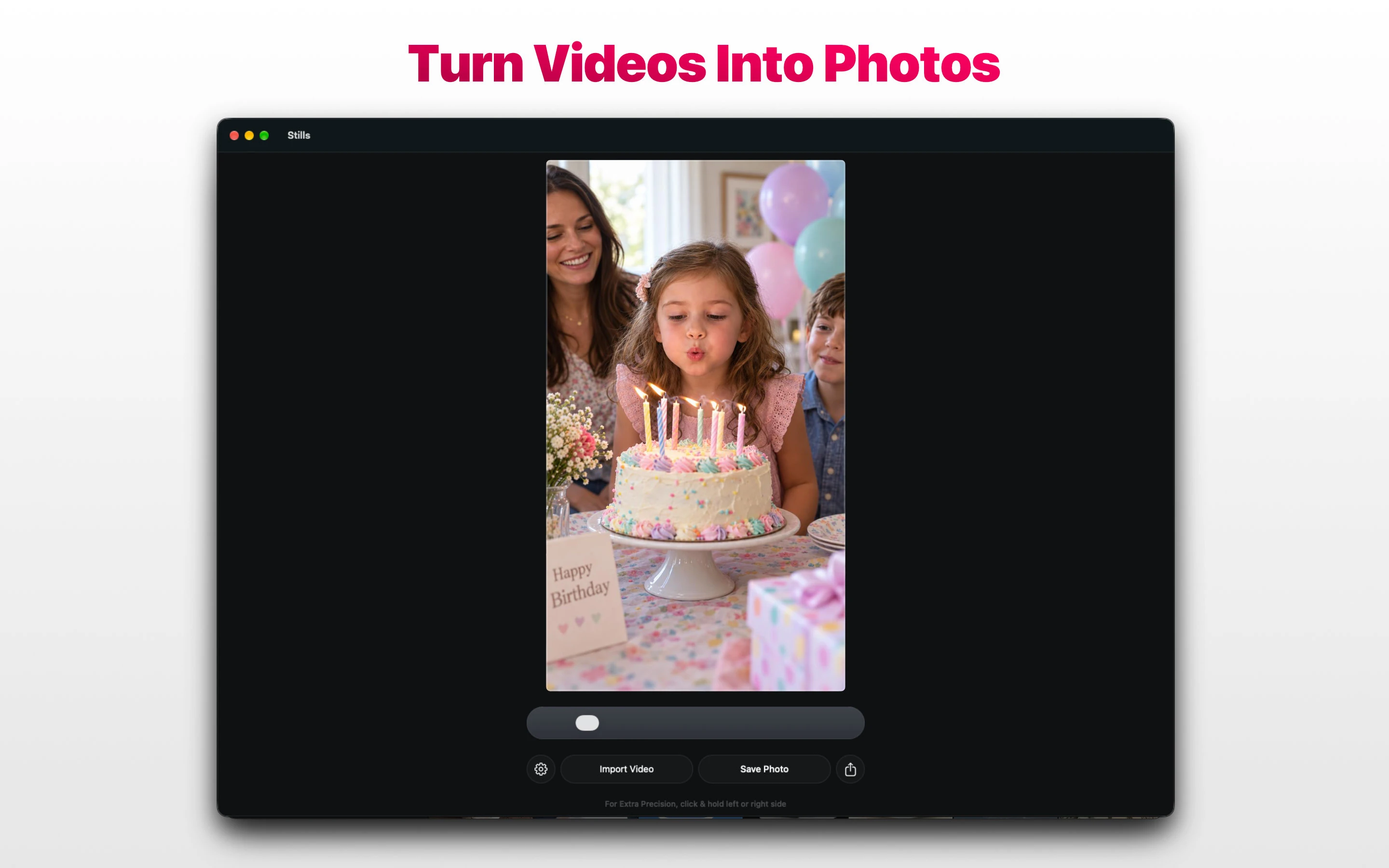
Save your favourite moments from videos as high-quality photos.
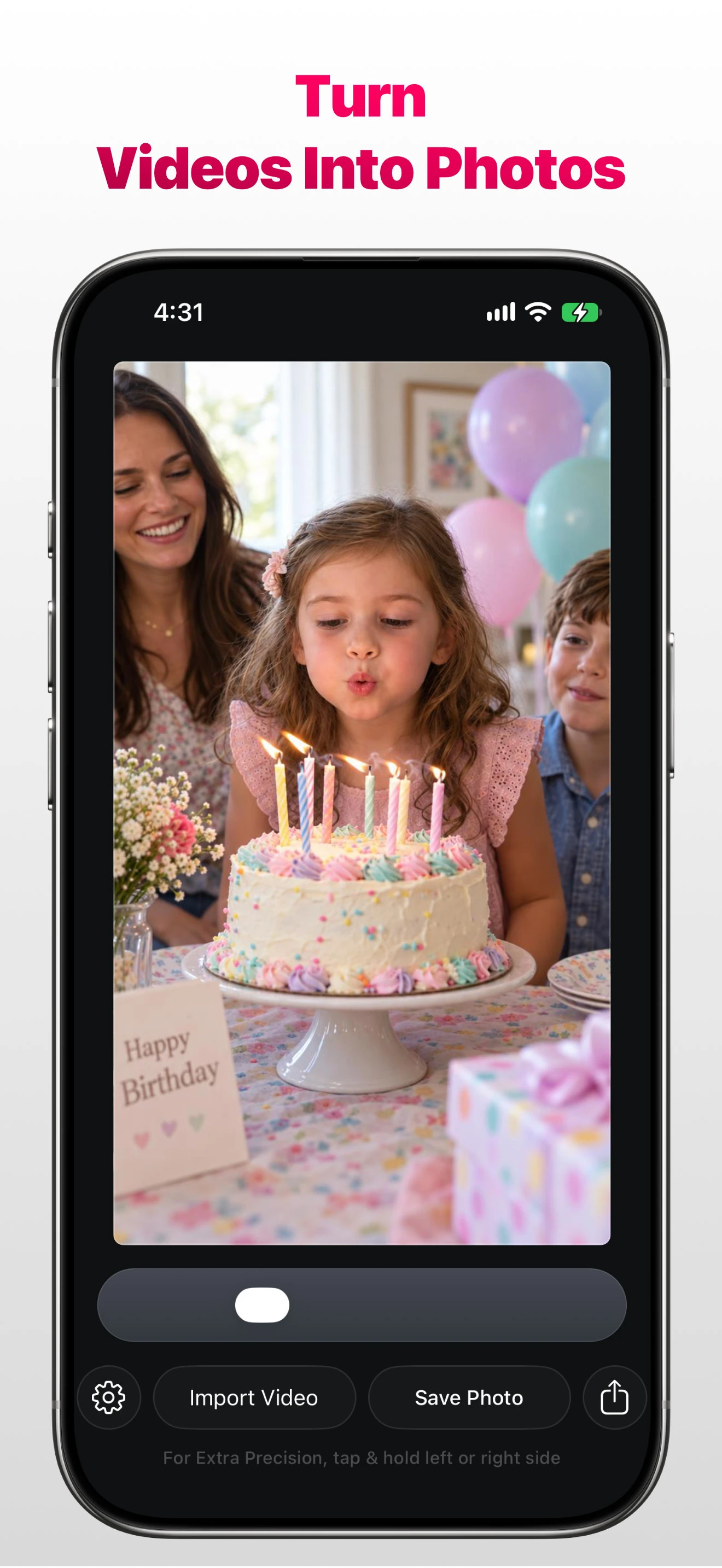
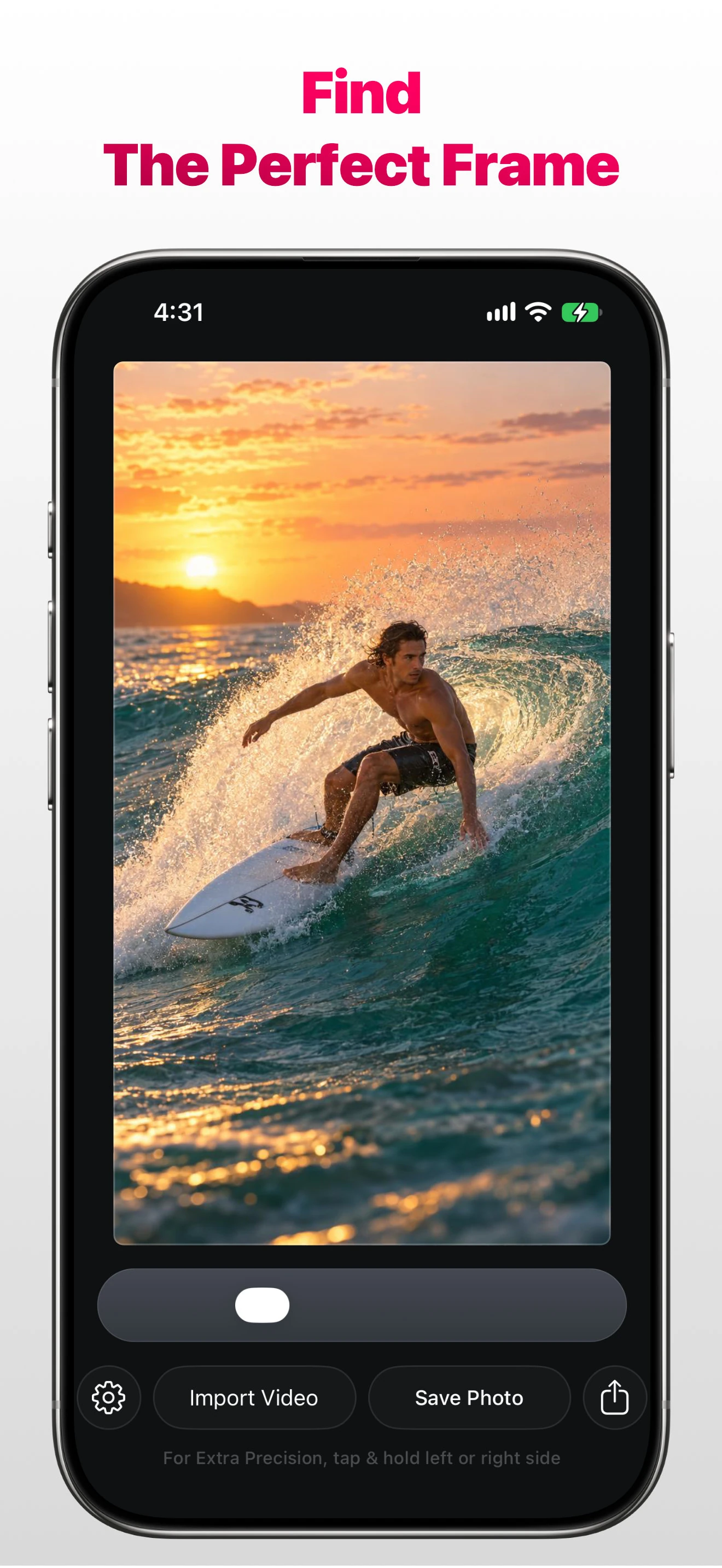
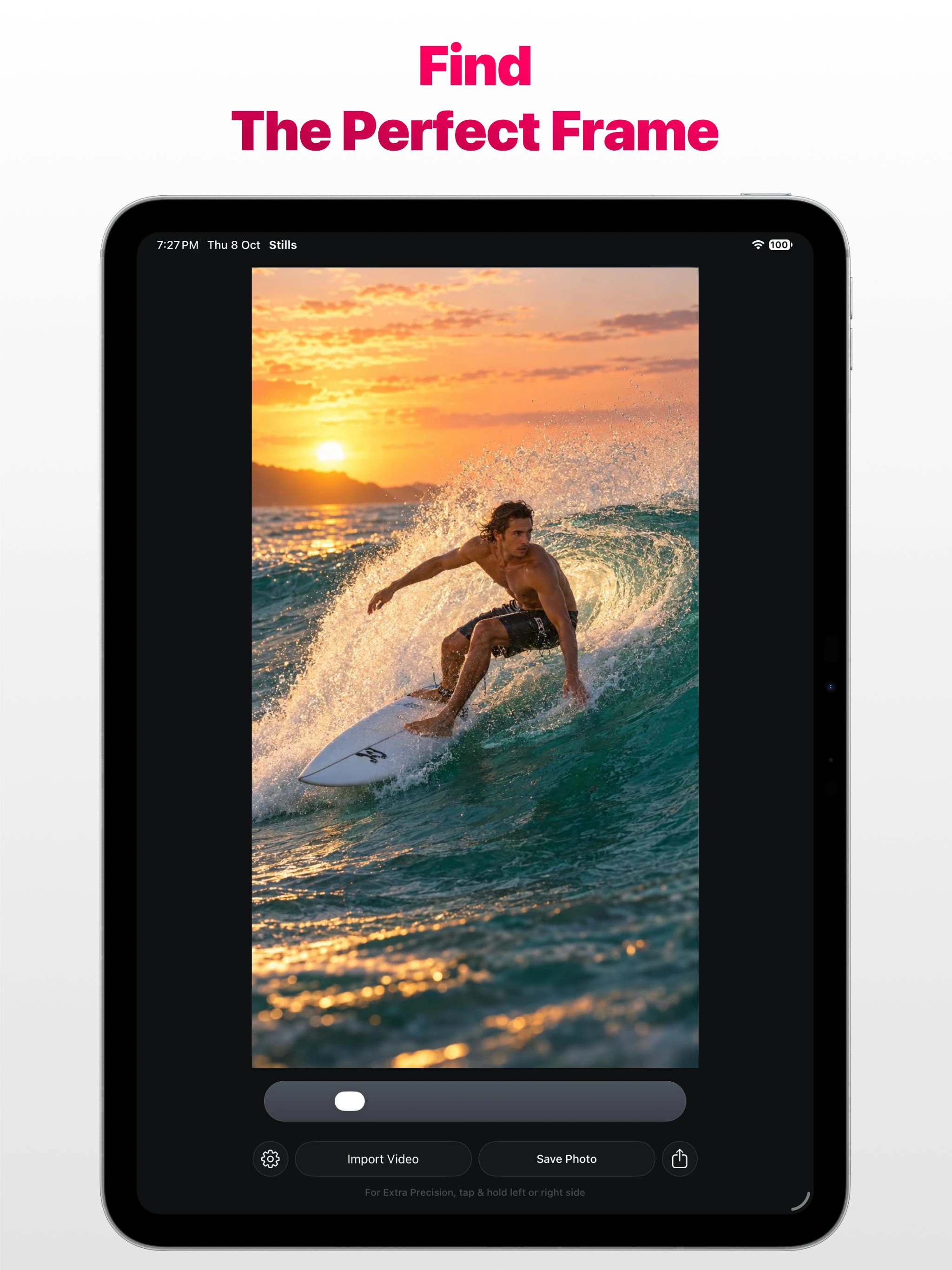
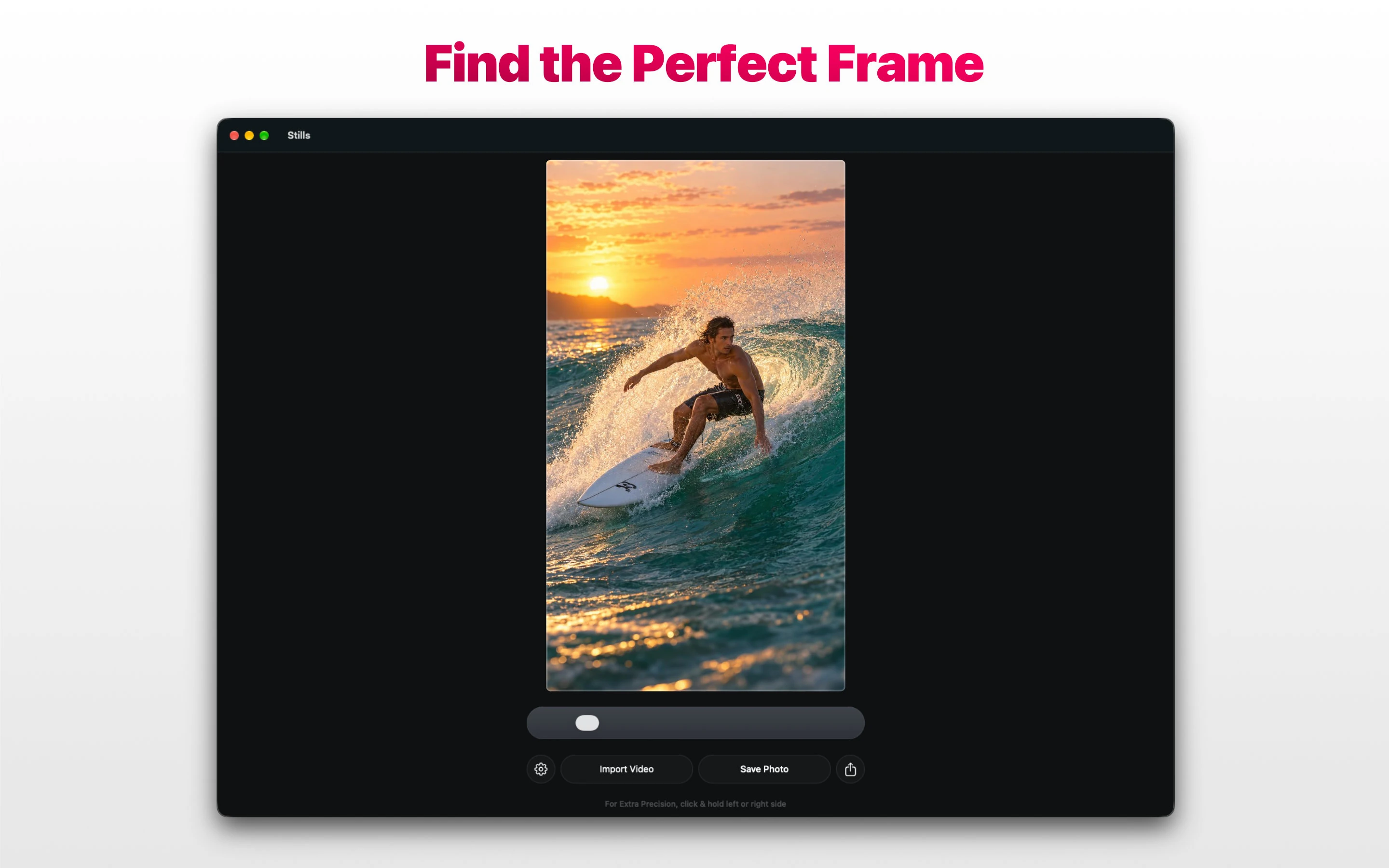
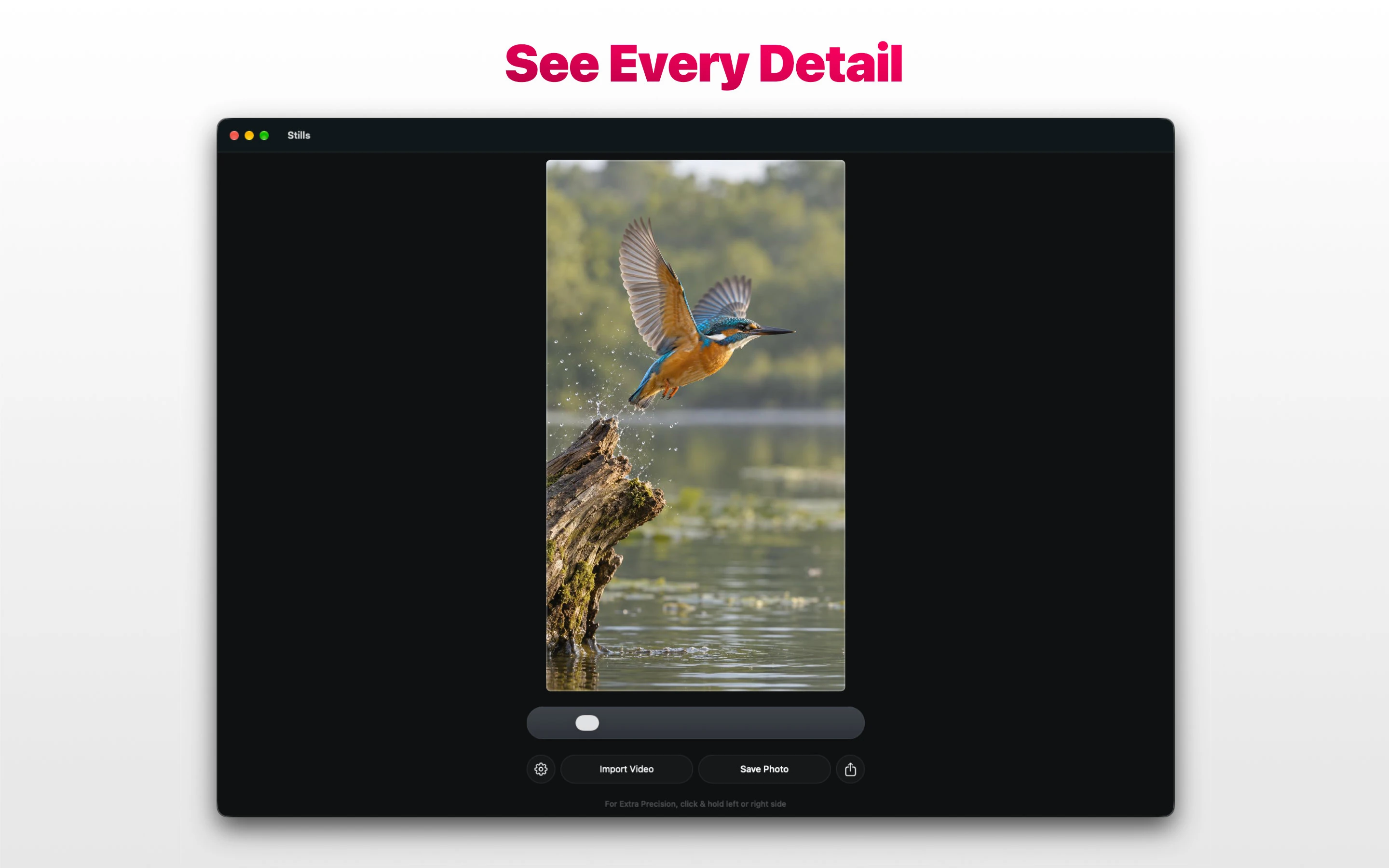
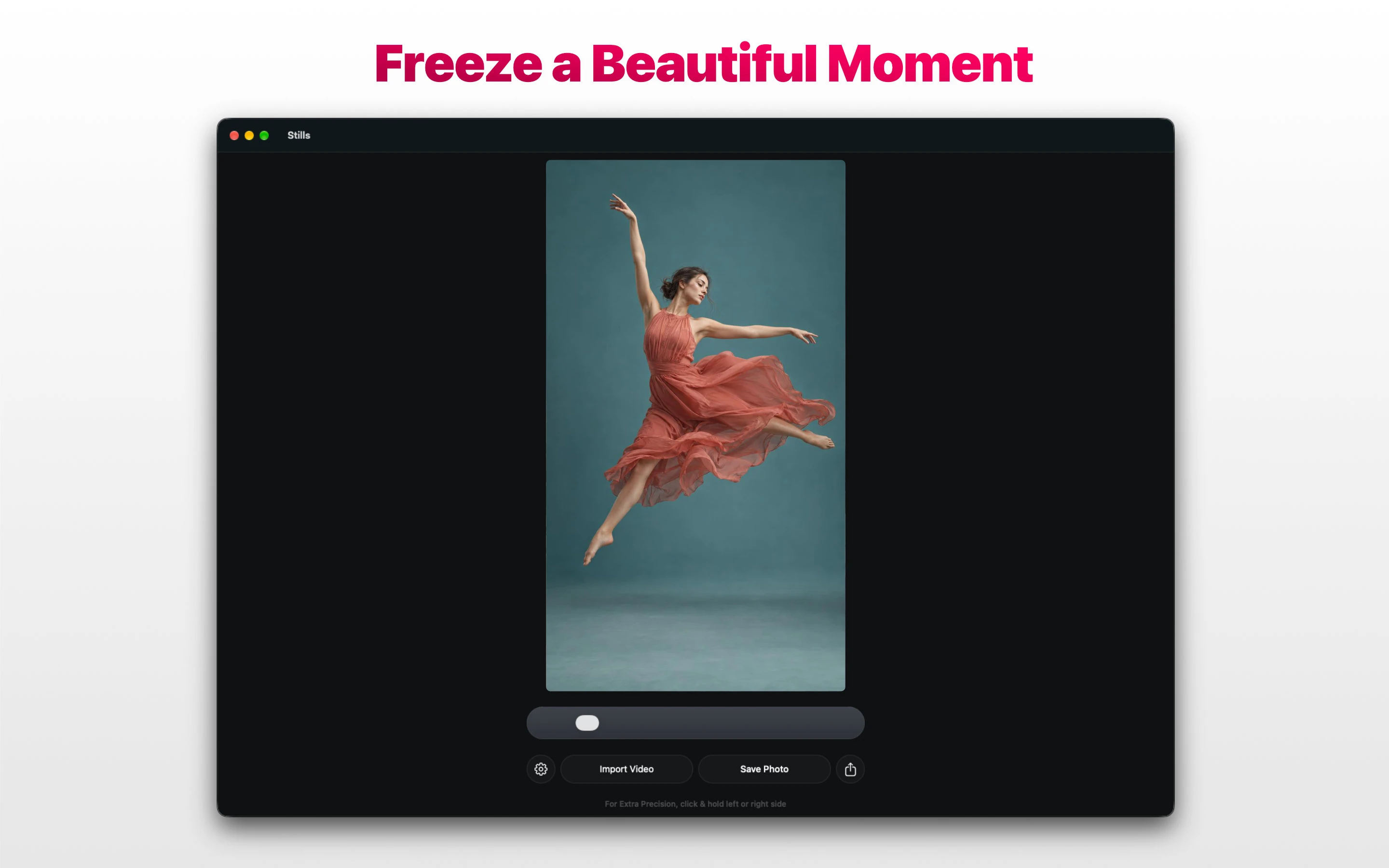
To save a photo from a video, import your recording, choose a frame, and save the moment you love. It’s that simple.
Features
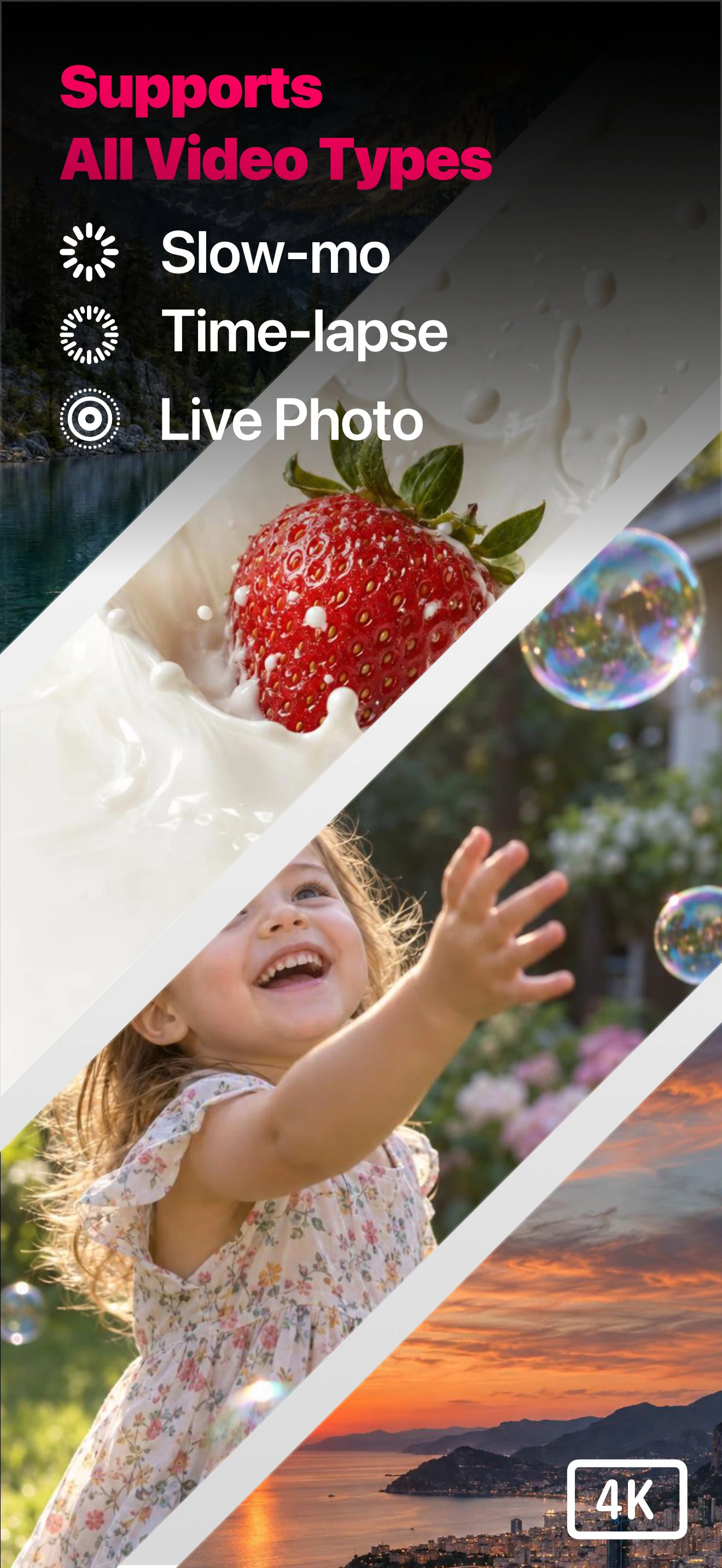
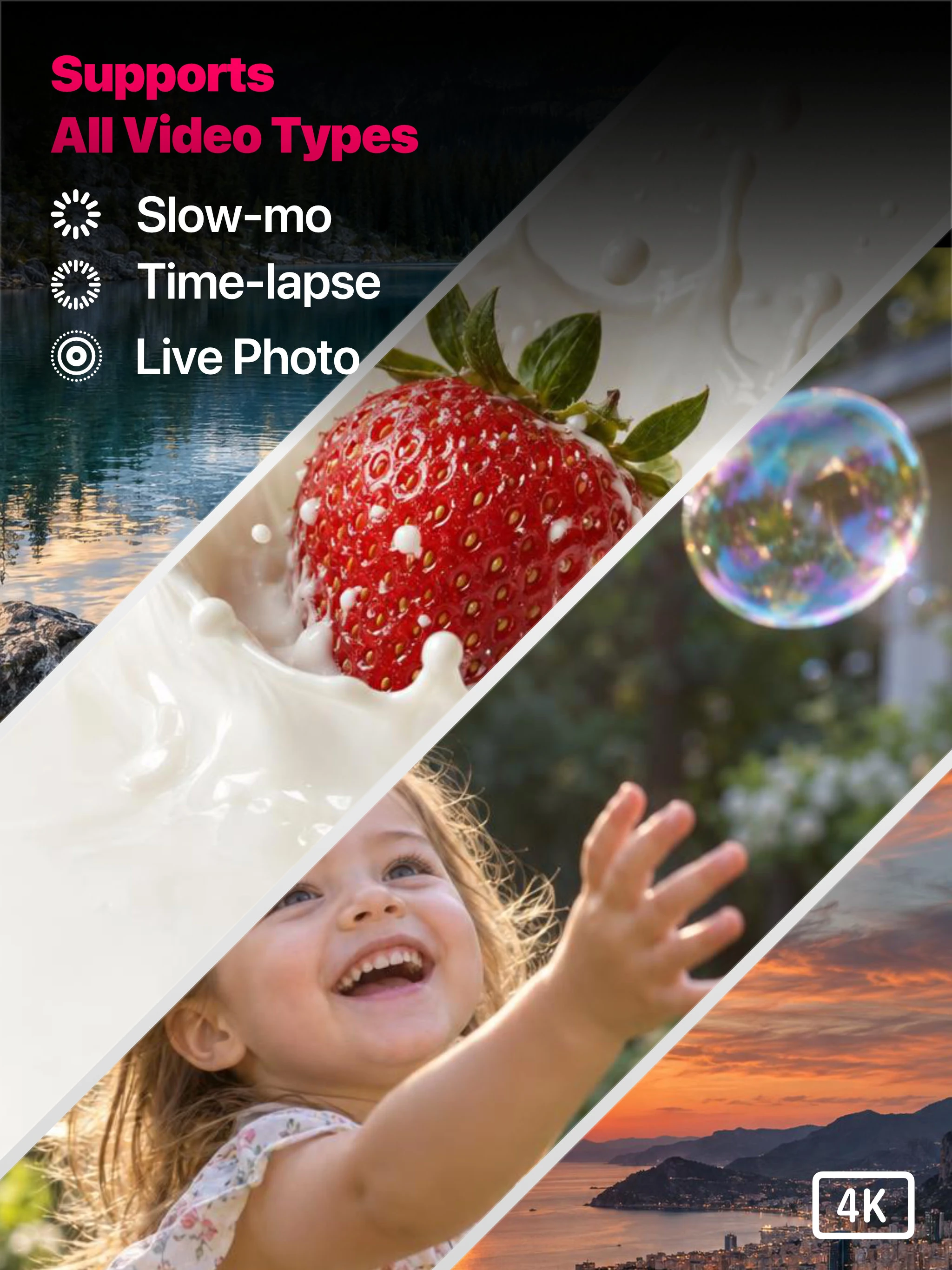
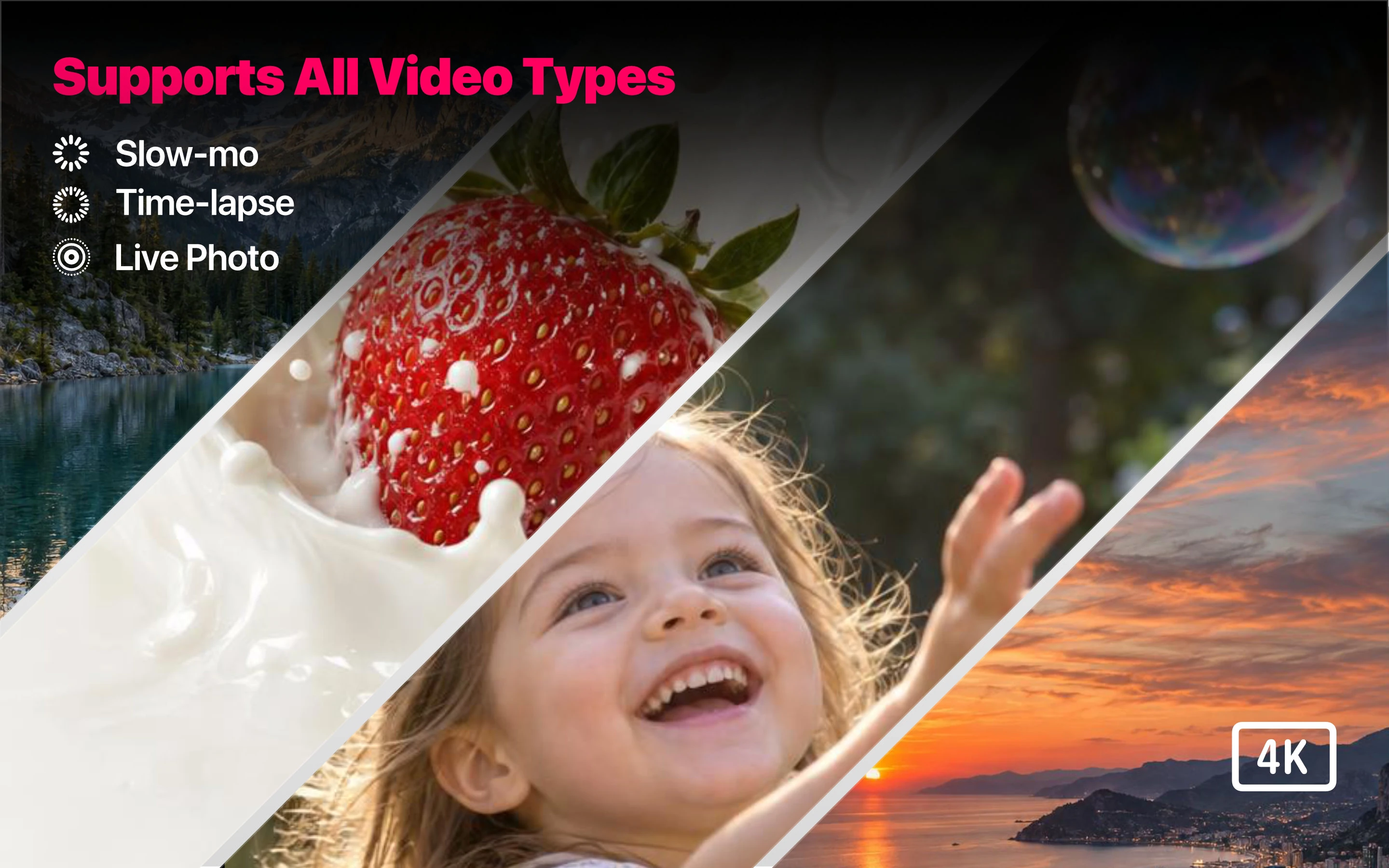
Stills supports 4K, Full HD, slow motion, time-lapse and Live Photos. Import from Photo Library, Files or Finder, and save photos at the original video’s resolution.
Enhance your photos
- Photo Enhancement: Adjust tone and colour with Tone & Color, reduce grain with Noise Reduction, and refine detail with Sharpening.
- Smart Fusion: Combine detail from nearby frames to refine your selected photo.
- Enhancement Preview: Zoom in and compare the original and enhanced photo.
Export your way
- Preserve HDR: Retain HDR in supported JPG and HEIC exports.
- Export Format: Save and share photos in JPG, PNG or HEIC.
- Export Date: Choose Date Saved or Original Video Date for your photos.
Make Stills your own
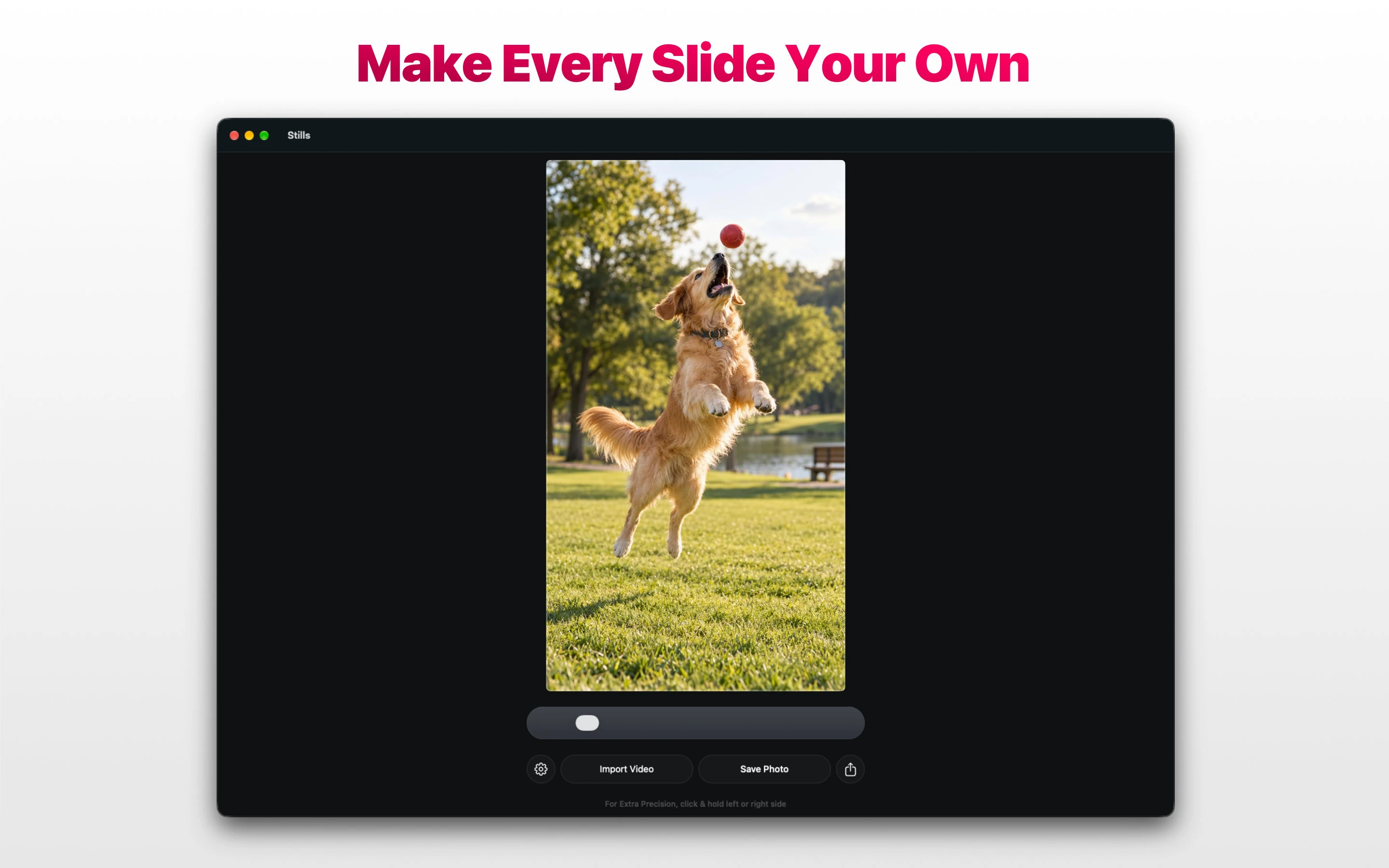
- Slider Style: Choose a new look for your frame-selection slider.
- Grab Handle Glow: Give the slider handle a playful glow that brightens and dims.
- Accent Color: Personalise Stills with your favourite colour.
- App Icon / Dock Icon: Choose a different icon for your Home Screen or Mac Dock.
Color Glass and Silver Glass app icons
Make Stills feel more like you. Premium includes 17 alternate app icons for your iPhone or iPad Home Screen and your Mac Dock. On Mac, your chosen icon appears in the Dock while Stills is running.
- Color Glass: Nine colourful glass designs in red, cyan, green, orange, purple, yellow, white, blue and pink.
- Silver Glass: Eight designs pairing silver frames with a coloured leading frame, for a more understated look.
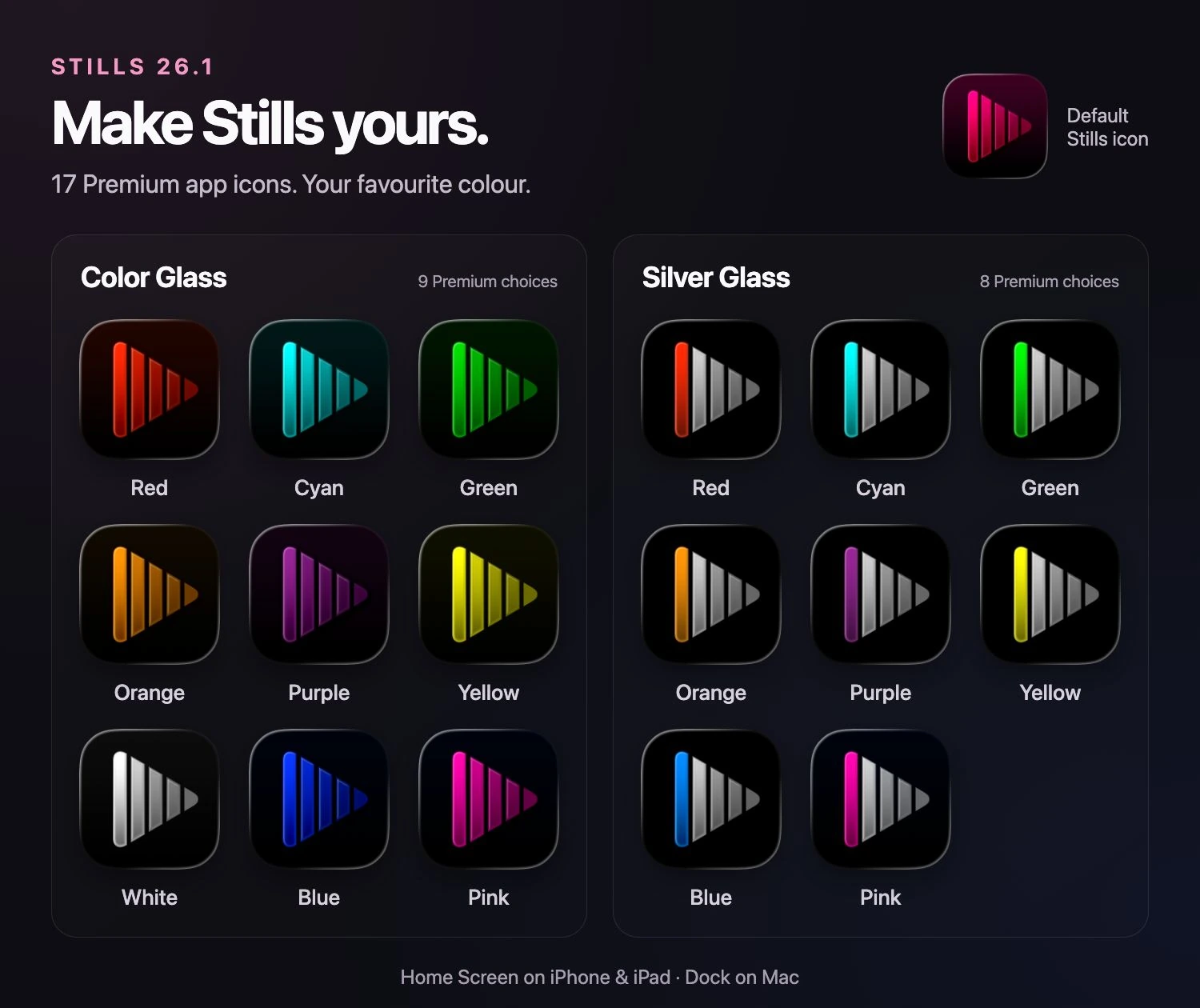
The default Stills icon and all 17 Premium choices.
View the full-size icon galleryApple Family Sharing
Stills Premium supports Apple Family Sharing. Share one Stills Premium purchase with up to five other family members so everyone can save and enhance their favourite moments from videos on iPhone, iPad, and Mac. Each person uses their own Apple Account.
Read the Apple Family Sharing guide
Your moments, with privacy
Stills does not collect your personal data and does not show ads. Your videos are personal, and turning a moment into a photo should not come at the cost of your privacy.
Available for iPhone, iPad and Mac
Use Stills on iOS, iPadOS and macOS. Visit the App Store to check compatibility with your device and download the app.
What's new in Stills 26.1
Explore the latest improvements to choosing a frame, enhancing your photos, exporting, and personalising Stills across iPhone, iPad and Mac.
Read about the Stills 26.1 updateiPhone
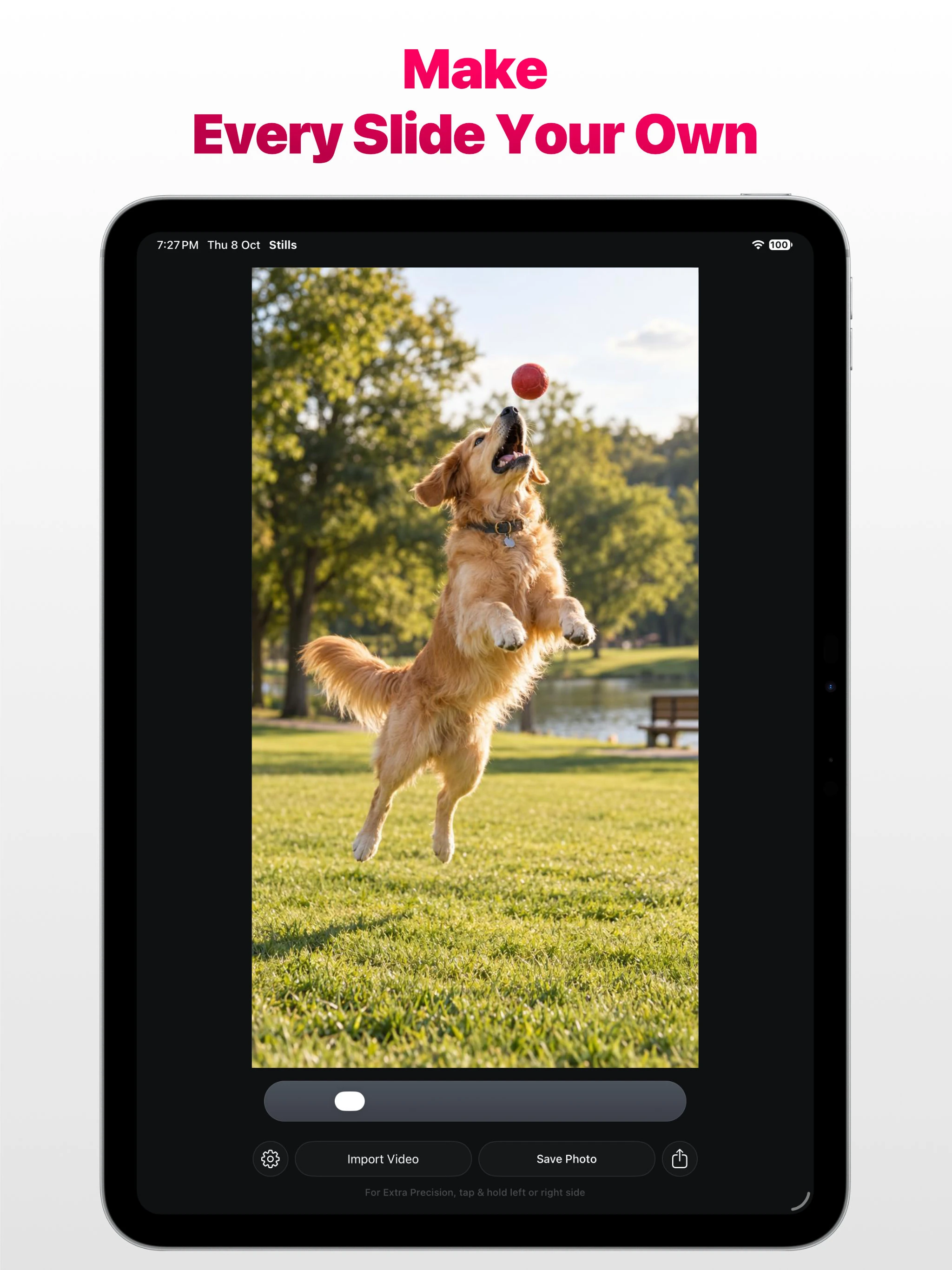
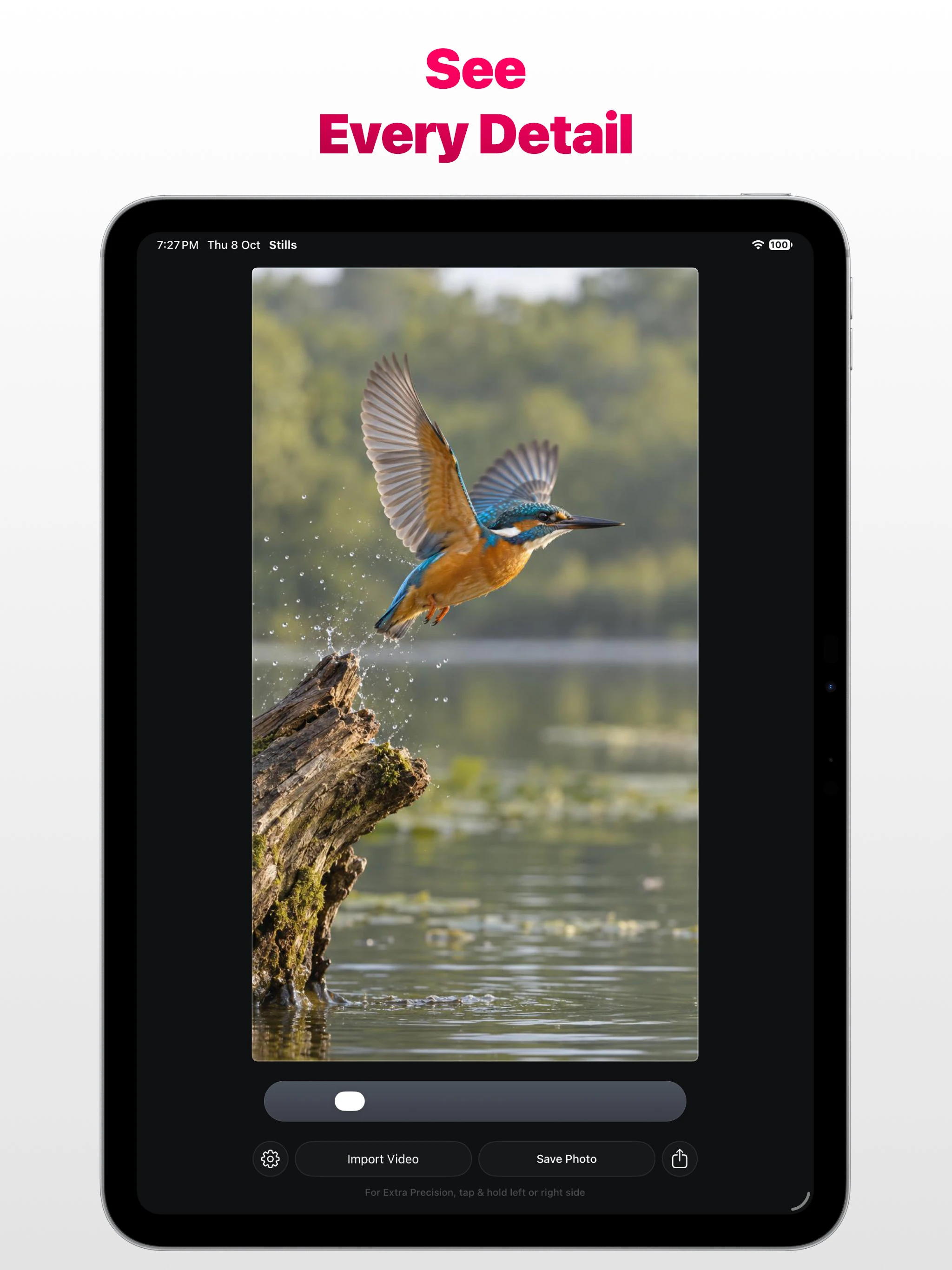
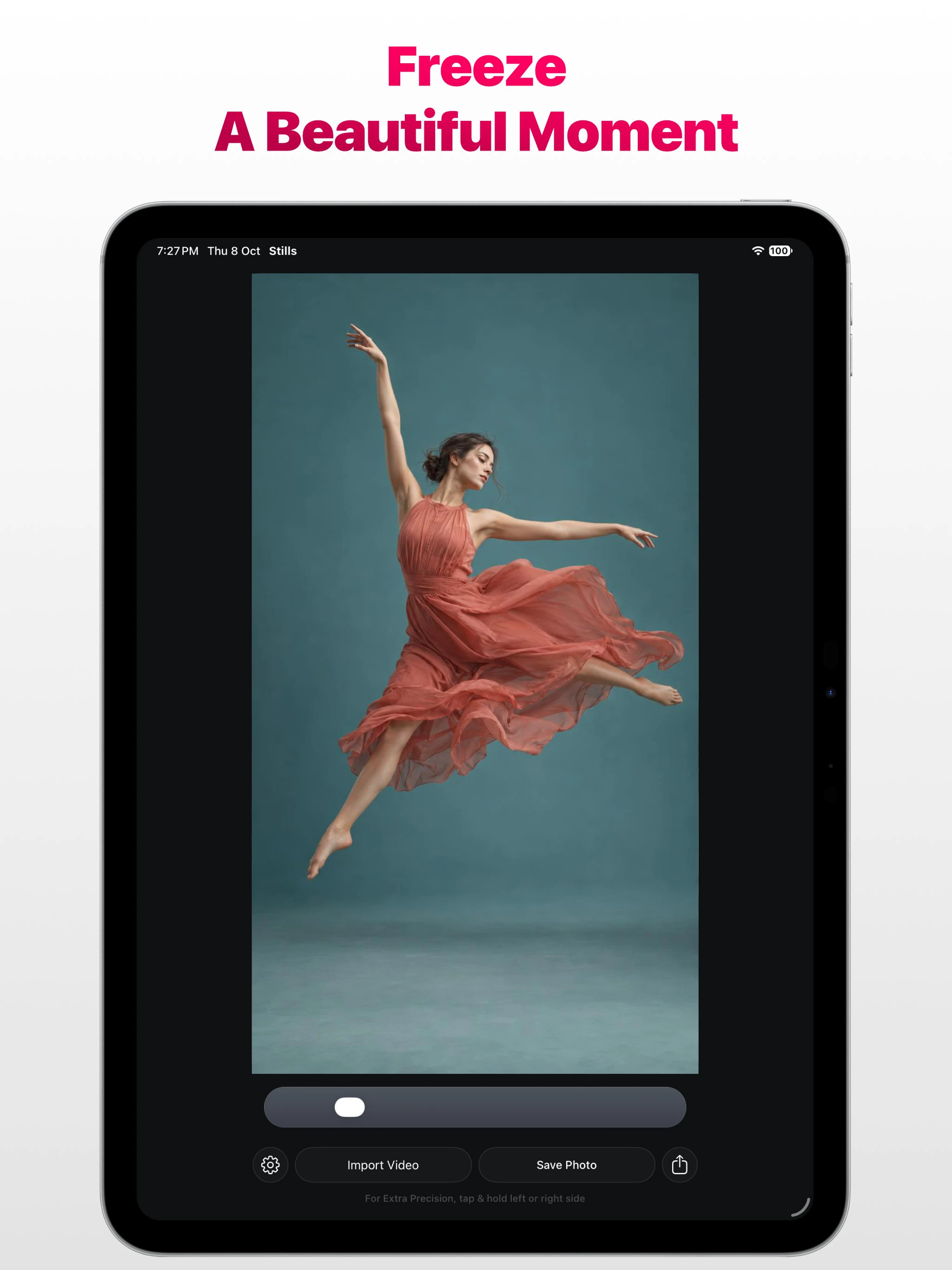
iPad
Mac
Find a moment worth keeping. Save it with Stills.