Photo Refinery
Upscale & Refine Photos


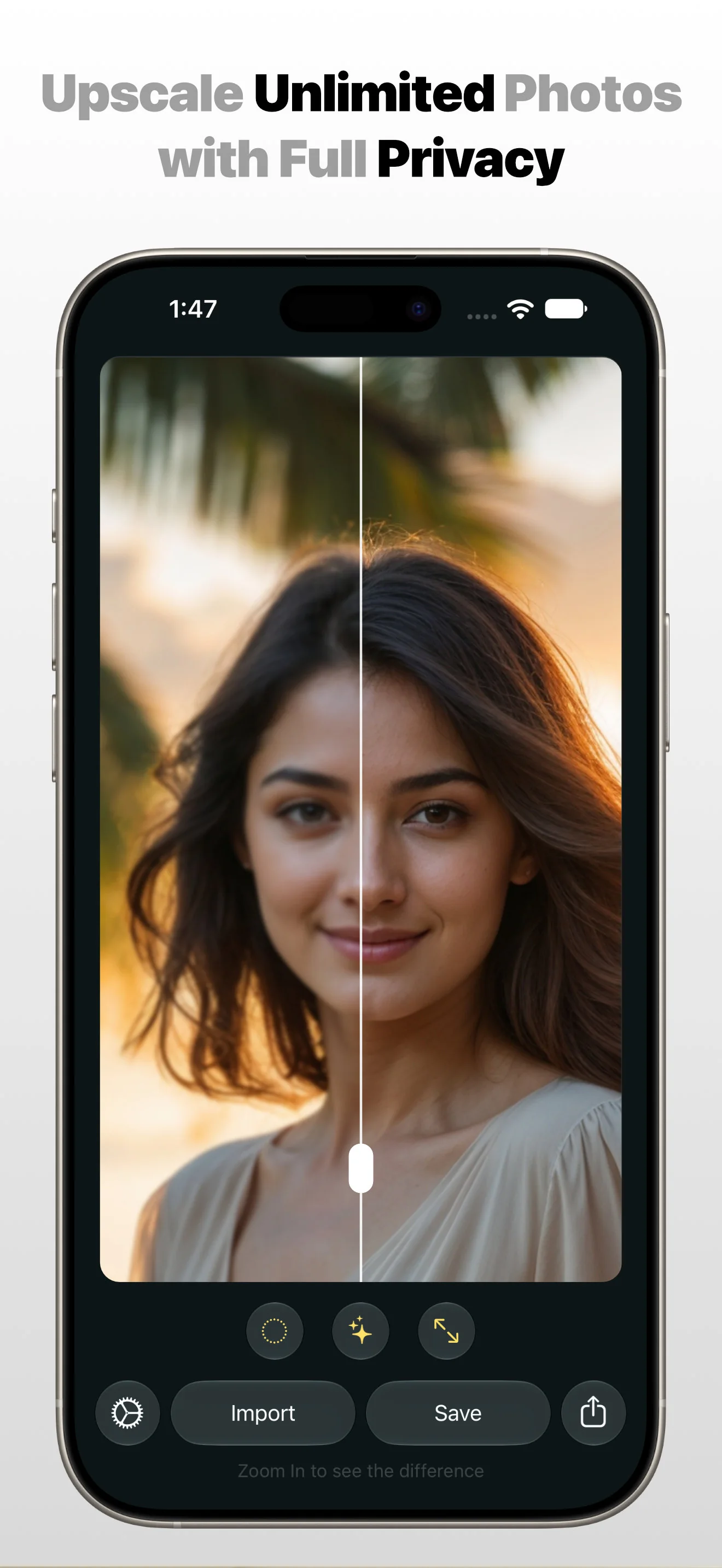
Photo Refinery helps you Upscale & Refine Unlimited Photos into Super High Resolution on device with total Privacy.
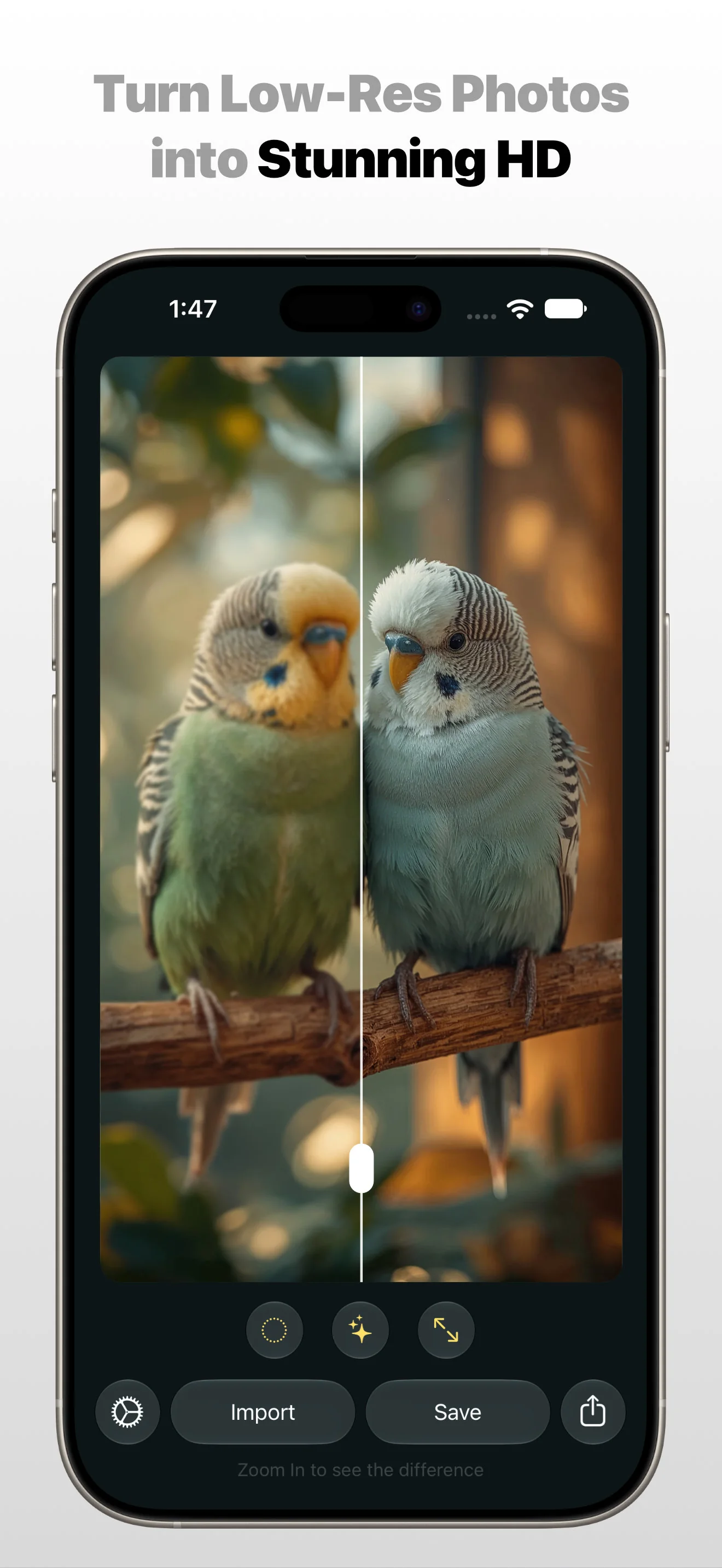
Turn blurry, low-quality photos into stunning HD with Photo Refinery App on device & with Full Privacy. Photo Refinery upscales, enhances, and restores your images — perfect for prints, social media, or old memories. Photo Refinery Upscale & Refine App is available on iOS, iPadOS & macOS.
Features
- Upscale photos without losing any details
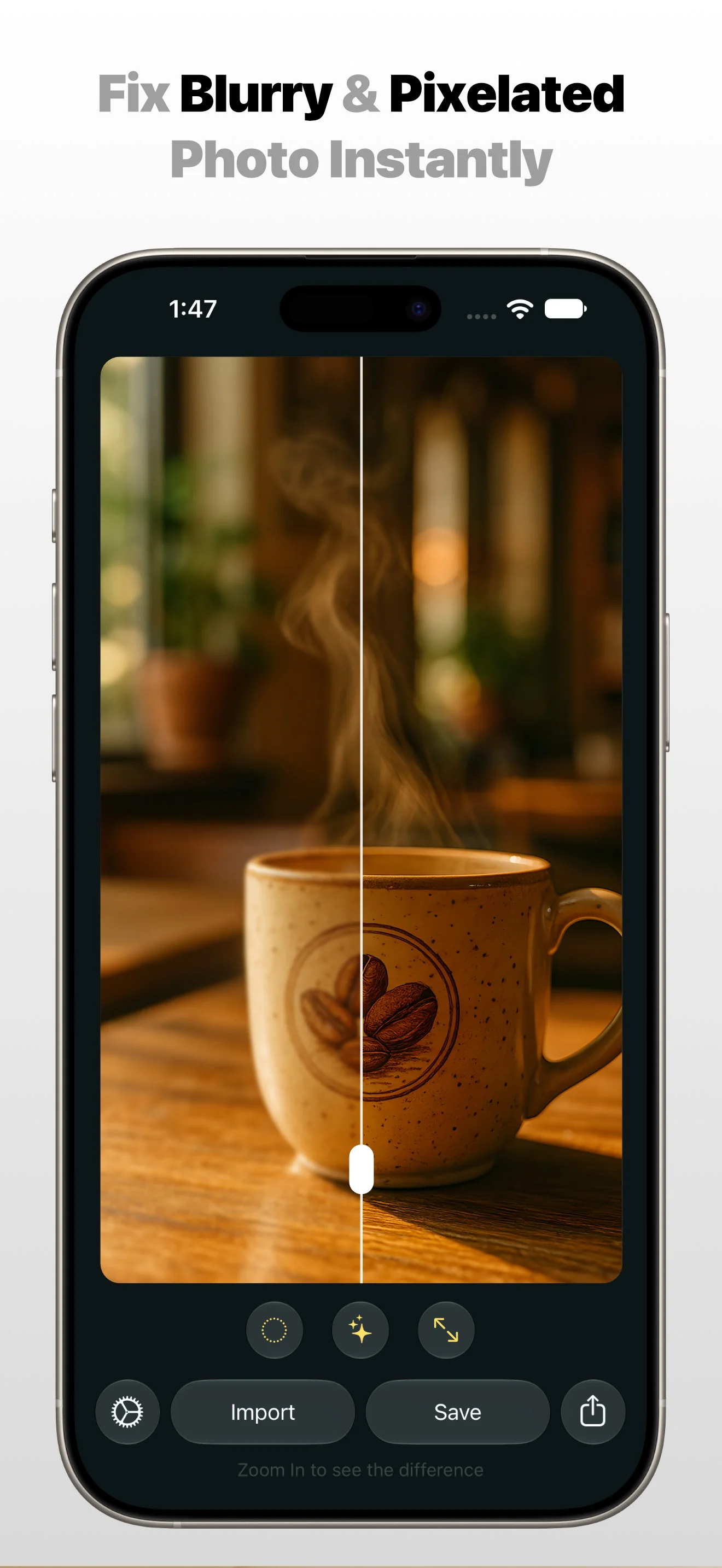
- Fix blurry or pixelated images instantly.
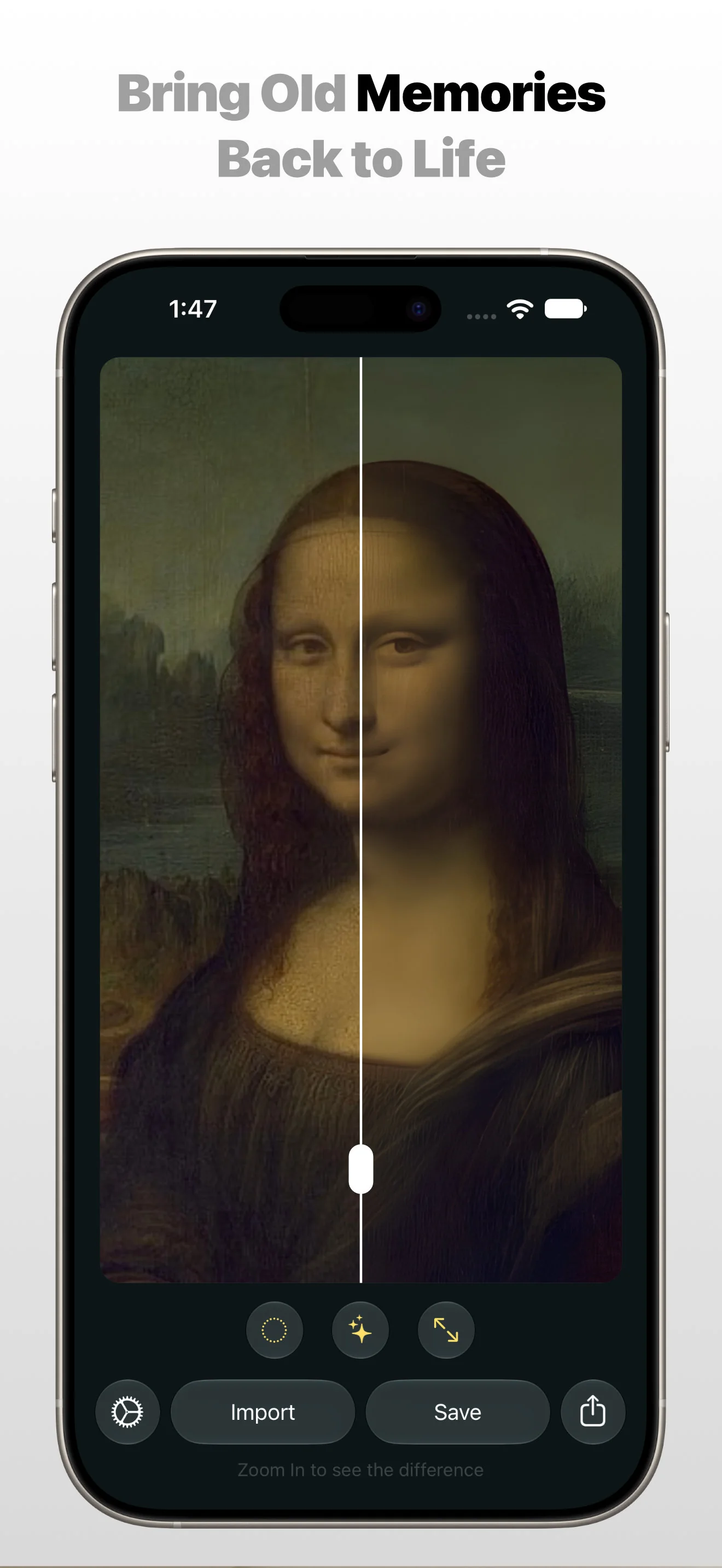
- Restore old or damaged photos.
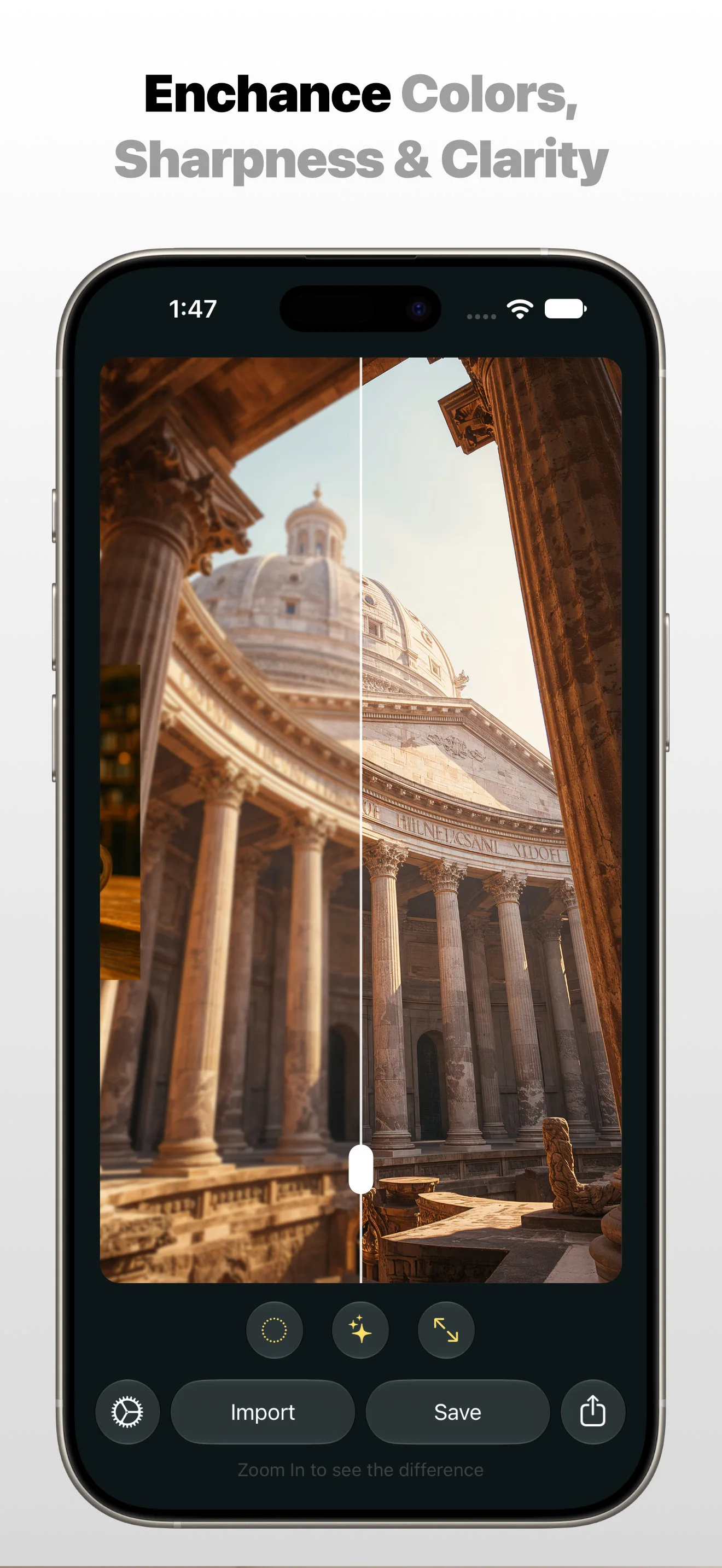
- Enhance colors, sharpness, and clarity.
- Preserve fine details for professional-quality results.
Whether you want to improve selfies, fix screenshots, prepare photos for printing, or restore vintage albums, Photo Refinery App makes your images look their best.
Why Photo Refinery?
- Simple, fast & easy: Just import your photo and let Photo Refinery App refine your photo.
- Private & secure: Processing is done on-device (100% Private).
- Import from Photo Library or Files.
- Flexible export: Save in PNG, JPEG, or HEIC formats.
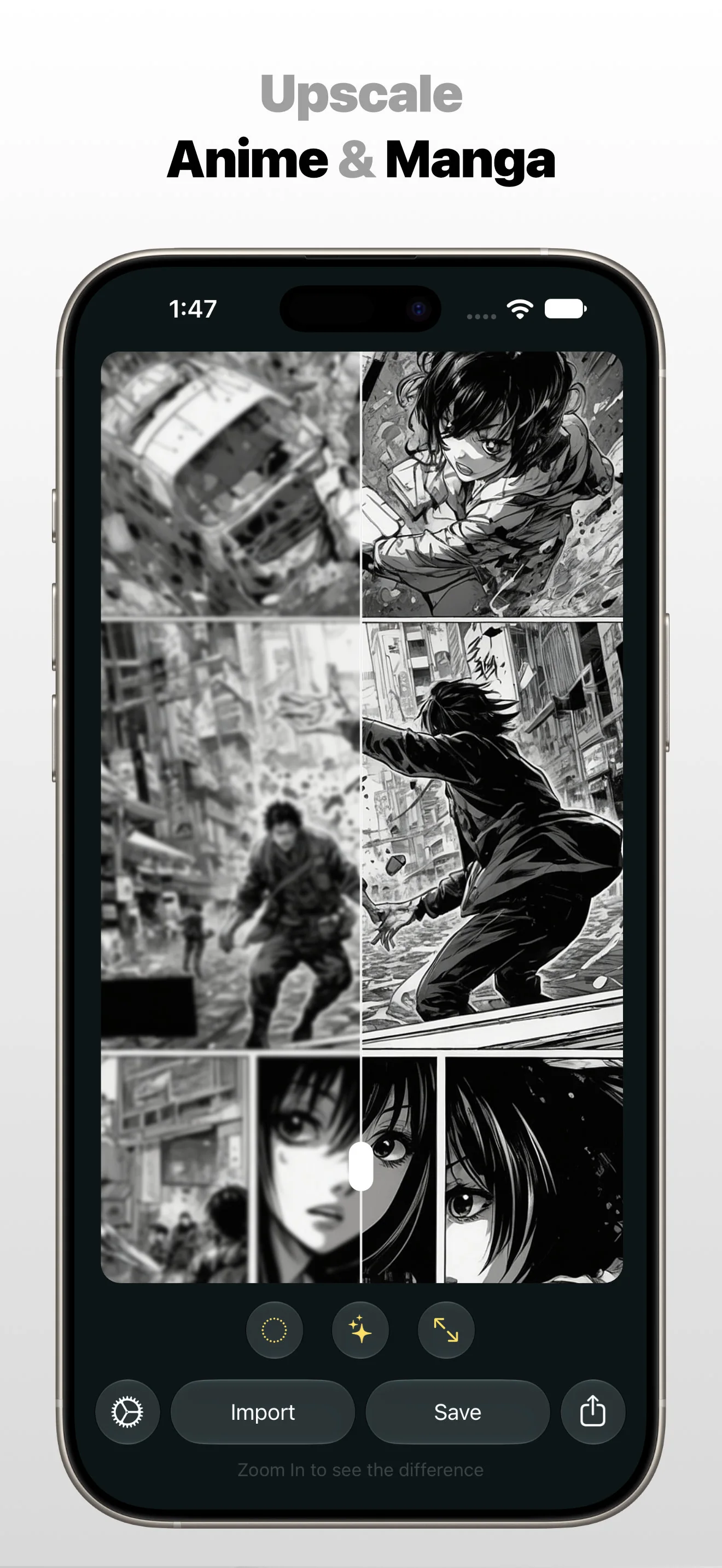
- Supports Upscaling & Refining of Transparent Images. Great results for Anime photo upscaling.
Apple Family Sharing
Photo Refinery Premium supports Apple Family Sharing. Share one Photo Refinery Premium purchase with up to five other family members so everyone can upscale and refine their own images on iPhone, iPad, and Mac. Each person uses their own Apple Account.
Read the Apple Family Sharing guide
Lifetime Support & Updates
Photo Refinery Upscale & Refine App will be supported for lifetime & will be updated & maintained with amazing new & helpful features. Committed to help you in every way possible & provide you the best support. And that's a promise.
Your photo enhancement questions, answered.
-
Can I upscale low-resolution photos on iPhone, iPad or Mac?
Photo Refinery is available on iOS, iPadOS and macOS. Import a photo from your Photo Library or Files to upscale and refine it on your Apple device.
-
Can Photo Refinery improve blurry or pixelated pictures?
Photo Refinery enhances colours, sharpness and clarity to refine blurry or pixelated images. Results depend on the original photo.
-
Can I refine old photos or scanned pictures?
You can upscale and refine digital copies of old photographs, including scanned prints. The quality of the source image still affects the result.
-
Are my photos enhanced on-device?
Image processing happens on your device, so your photos do not need to be uploaded to a server for refinement.
-
Can I upscale anime, manga and other artwork?
Photo Refinery supports refining illustrations, anime and manga artwork as well as photographs, with attention to line work and fine detail.
-
Does Photo Refinery support transparent images?
You can upscale and refine images with transparent backgrounds. Choose PNG when saving graphics or artwork that need transparency.
-
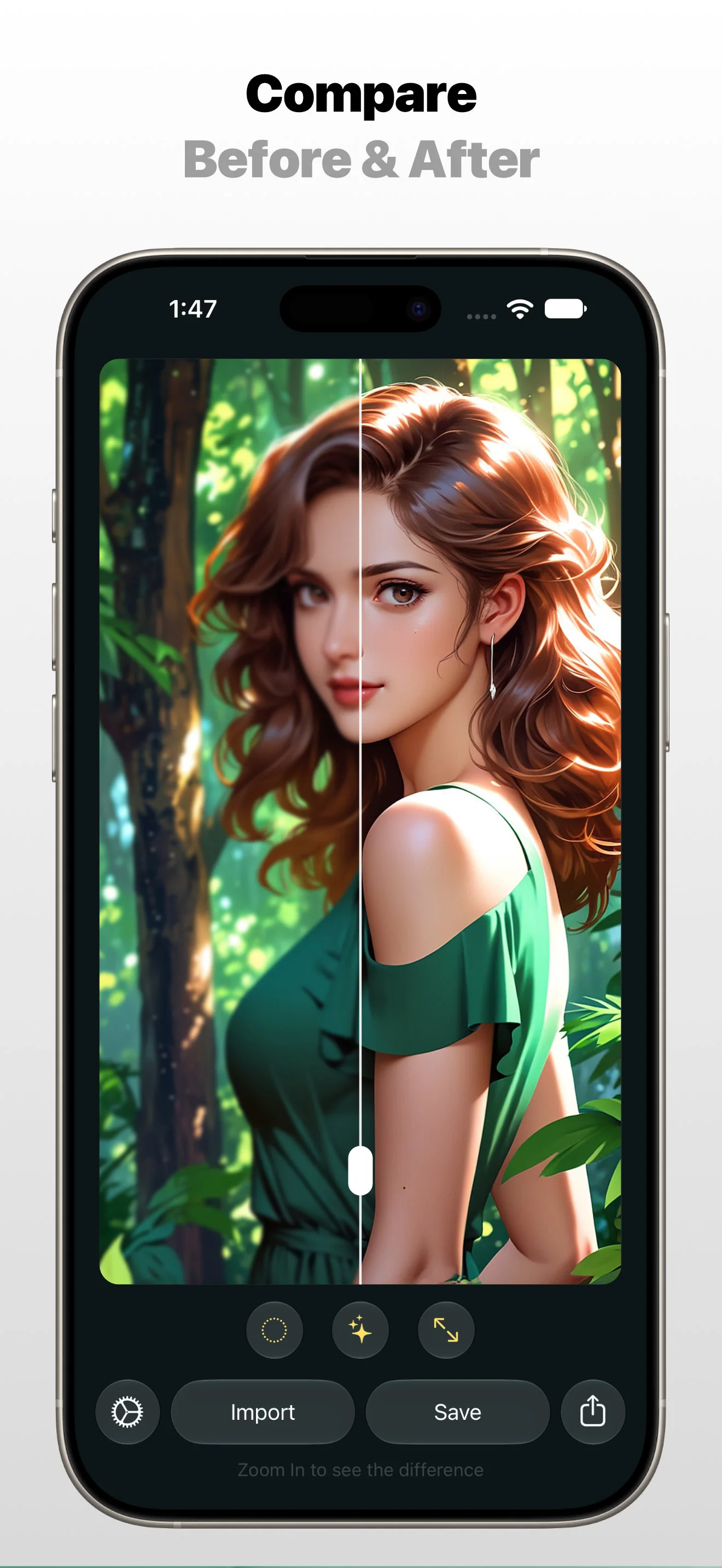
Can I compare the original and enhanced photo?
Use the interactive Before & After comparison to inspect the original and refined versions before saving. It helps you judge the effect on your own image.
-
Which image formats can I export?
Save your refined photos in PNG, JPEG or HEIC, depending on how you plan to use the result.
with Full Privacy.