How to Upscale Blurry and Low-Resolution Photos on iPhone, iPad, and Mac
Learn how Photo Refinery can upscale blurry, pixelated, old, and low-resolution photos while keeping image processing private on your Apple device.
Written by Maulik Sutariya
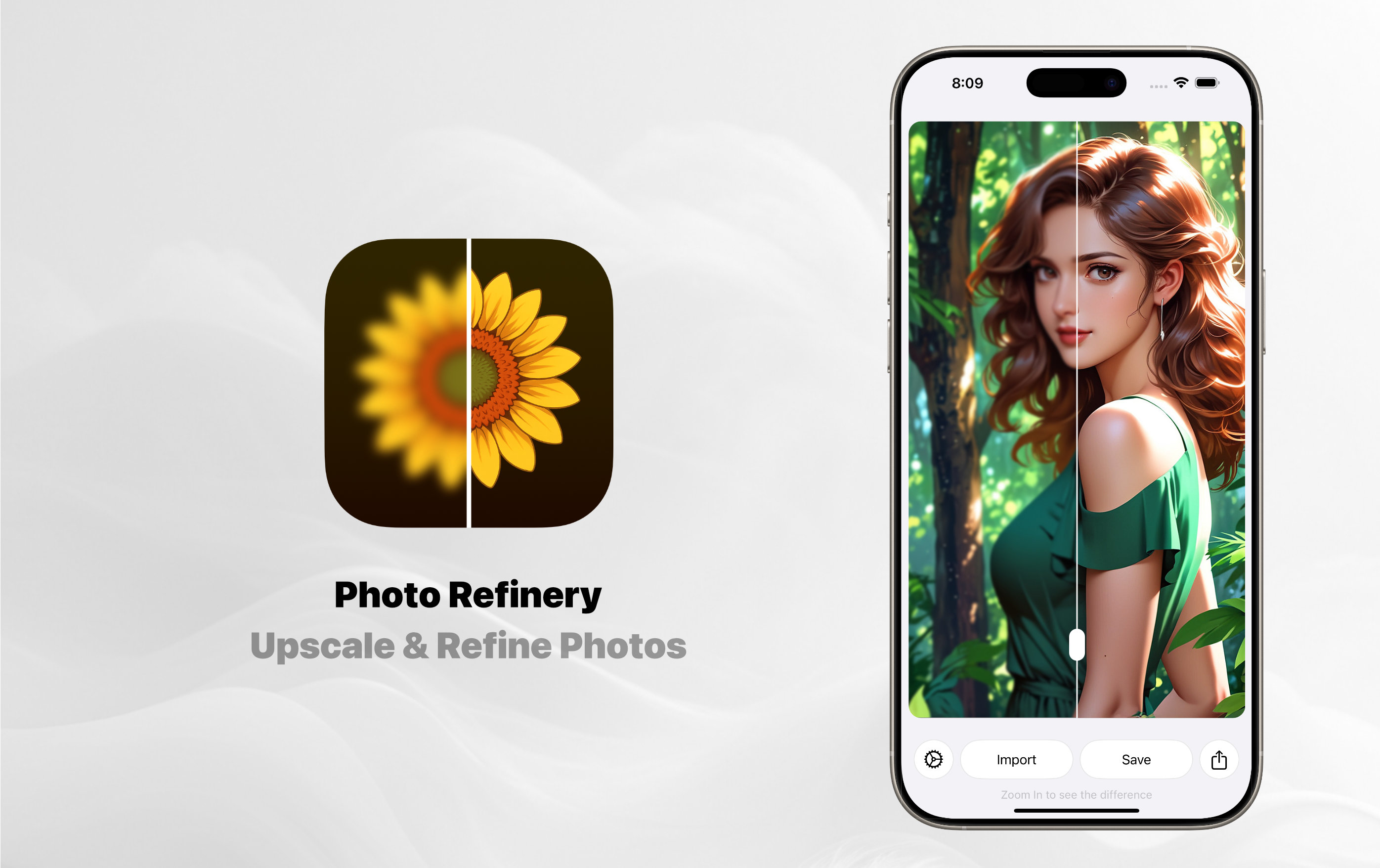
A meaningful photo is still worth keeping when the original is small, soft, pixelated, or difficult to use. It might be an old family photograph, a low-resolution image saved years ago, a blurry picture from a phone, or artwork that needs more resolution for a larger display.
Photo Refinery is designed to make those images more useful. It upscales and refines photos on iPhone, iPad, and Mac, with processing performed on your device for privacy. You can import an image, inspect the before-and-after result, and save the refined version in a format that suits your needs.
As the developer of Photo Refinery, I wanted the workflow to stay focused: improve the photo without turning a simple task into a complicated editing project.
What Does Photo Upscaling Do?
Upscaling increases an image’s resolution so it can be used at a larger size. Refinement helps improve how details, edges, colors, sharpness, and clarity appear in the result.
The quality of the source image still matters. No enhancement tool can recreate every detail that was never captured in the original, and results can vary from one image to another. A good upscaler should make a weak image more useful while keeping the process clear and giving you an easy way to judge the result yourself.
A Simple And Private Workflow
Photo Refinery keeps the process straightforward:
- Import a photo from your Photo Library or Files.
- Let Photo Refinery upscale and refine the image on your device.
- Move the comparison slider and zoom in to inspect the result.
- Save or share the enhanced photo when you are satisfied.
Because the processing happens on-device, your image does not need to be sent away for refinement. This is especially important when you are working with personal portraits, family memories, documents, or any photograph you prefer to keep private.
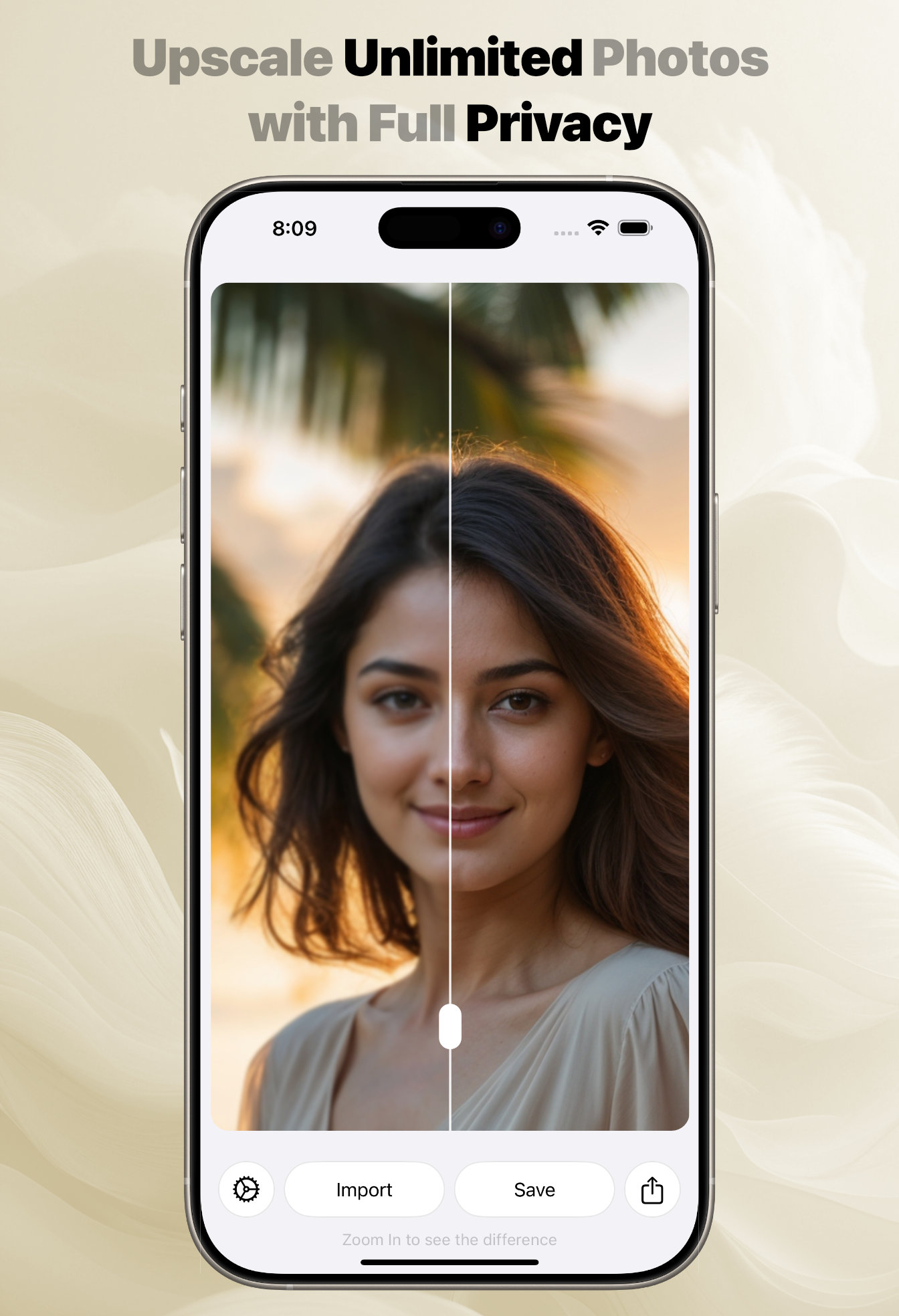
Compare The Original And Refined Photo
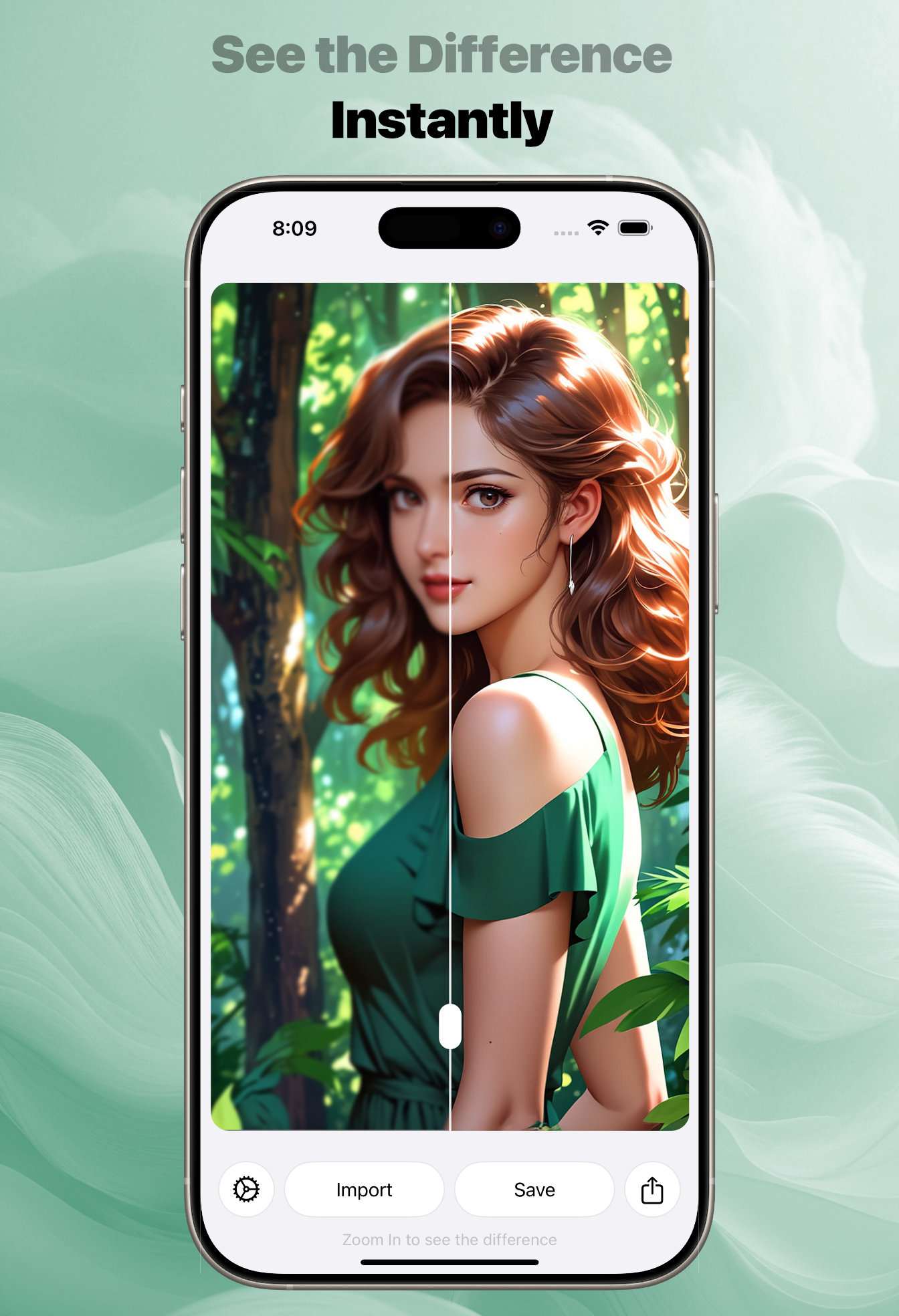
Small improvements are easier to understand when you can see them directly. Photo Refinery includes an interactive before-and-after comparison so you can move between the original and refined sides of the image.
You can also zoom in to examine faces, hair, edges, textures, and other fine details. This makes it easier to decide whether the refined version is right for printing, sharing, archiving, or viewing on a larger screen.
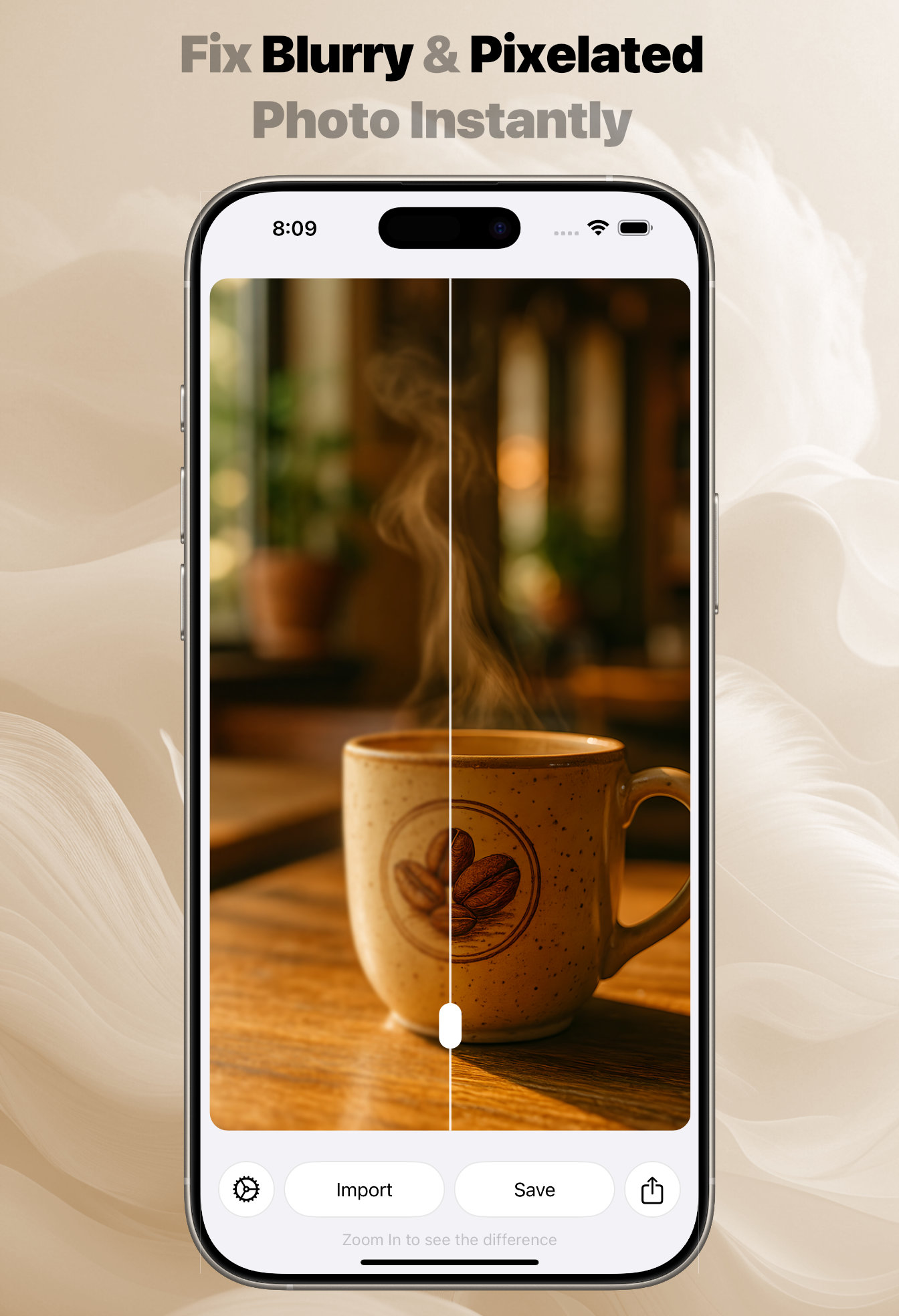
Fix Blurry And Pixelated Photos
Blur and pixelation become more obvious when a small image is enlarged. They commonly appear in compressed downloads, older phone photos, screenshots, social media images, and pictures that have been shared many times.
Photo Refinery can upscale these images while improving their visible clarity and definition. The result can be especially useful when the original is too small for a print, presentation, wallpaper, or high-resolution display.
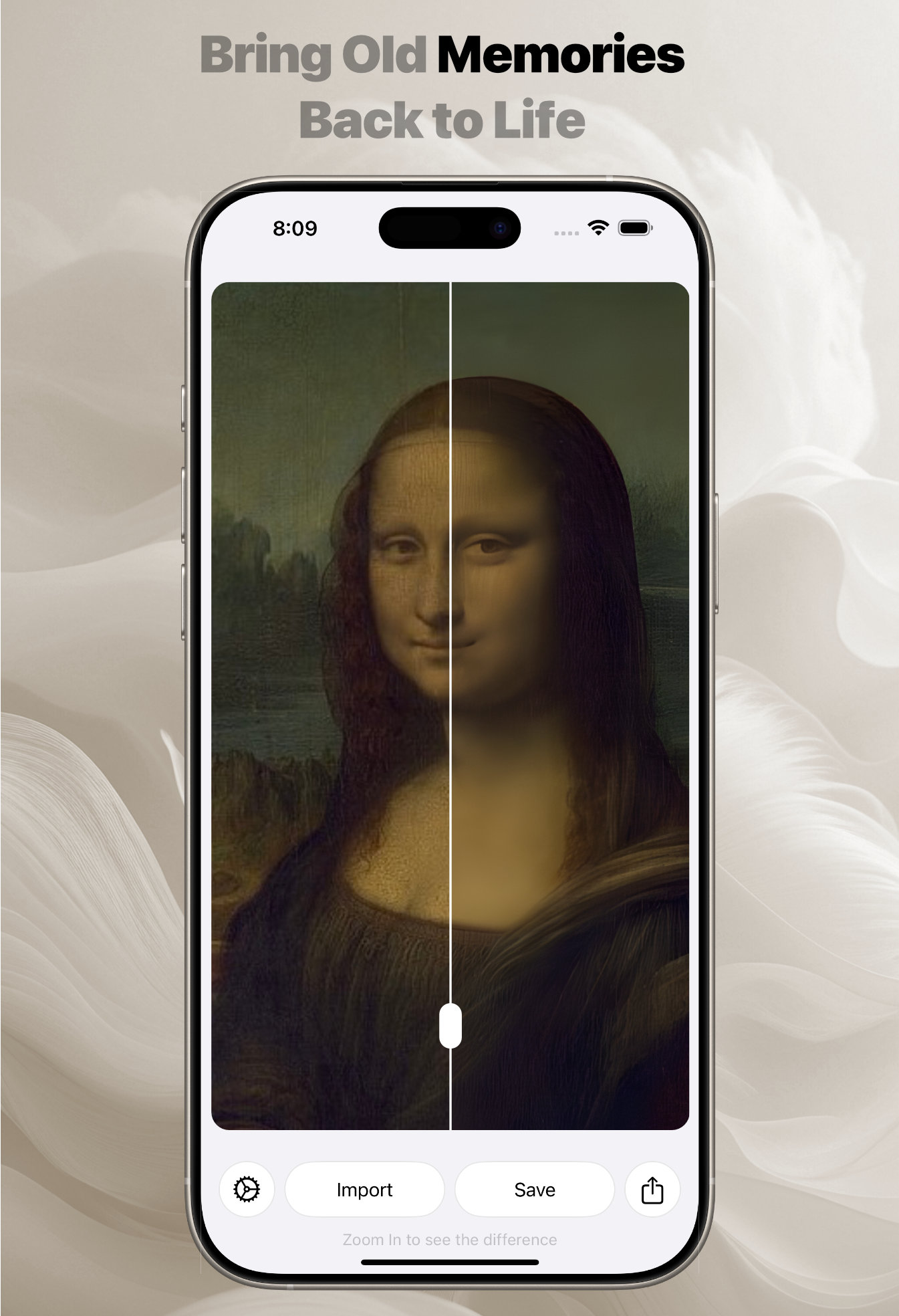
Bring Old Memories Back To Life
Older photographs often carry more emotional value than technical quality. A scanned print may look soft, faded, or limited by the resolution of the original scan.
Upscaling can give an old photograph more room to be viewed, shared, and printed. Refinement can also improve its visible sharpness and clarity while preserving the character of the source image. For the best result, begin with the cleanest and highest-resolution scan available.
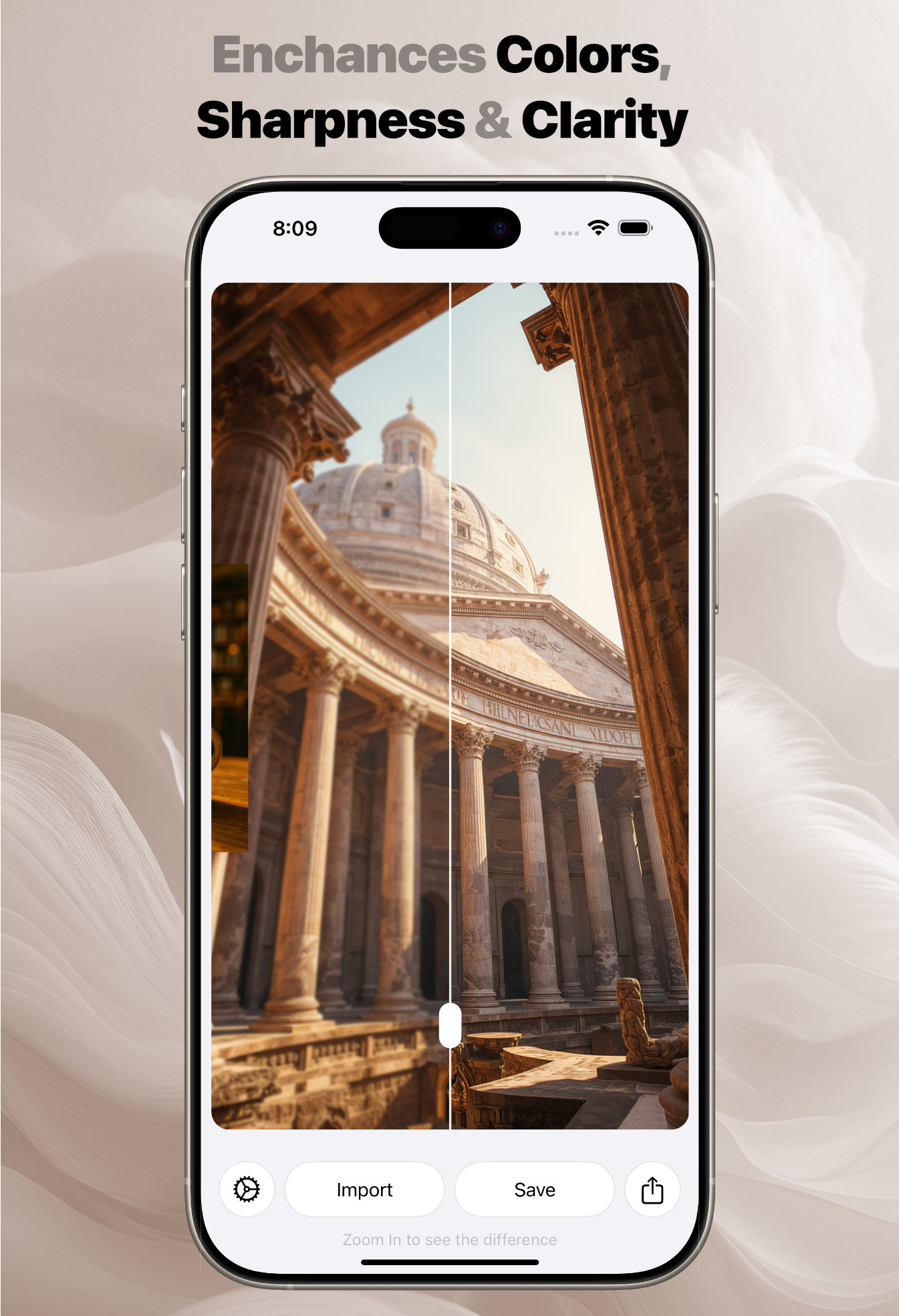
Enhance Color, Sharpness, And Clarity
Not every image needs repair. Sometimes a good photograph simply needs more resolution and a clearer presentation.
Photo Refinery can enhance colors, sharpness, and clarity while preserving fine details. This can help with travel photography, architecture, portraits, products, screenshots, social media images, and photos being prepared for print.
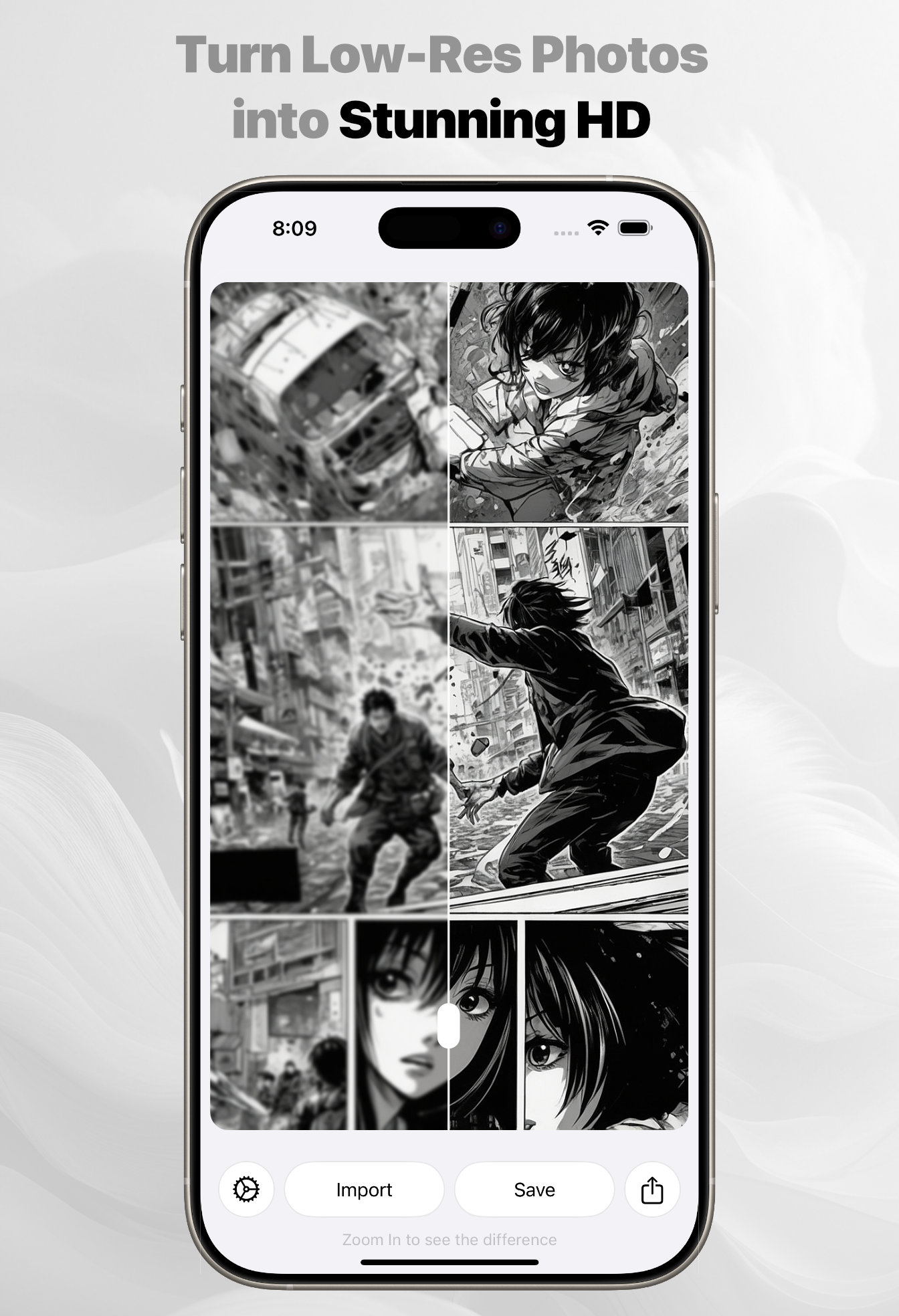
Upscale Anime, Illustrations, And Transparent Images
Photo upscaling is not limited to camera photographs. Photo Refinery also supports illustrated and anime-style images, where clean lines and small visual details become especially important at larger sizes.
Transparent images are supported as well. This makes the app useful for artwork, design elements, graphics, and other images that need their transparent background preserved during the workflow.
Choose The Right Export Format
Photo Refinery can save images in PNG, JPEG, or HEIC format. The best choice depends on how you plan to use the result:
- PNG is useful for transparent images, graphics, and lossless quality.
- JPEG is widely compatible and practical for photographs and sharing.
- HEIC provides efficient storage and works naturally across modern Apple devices.
Keeping the export choice flexible means the refined image can fit into your existing photo, design, print, or sharing workflow.
Made For The Apple Ecosystem
Photo Refinery is available for iPhone, iPad, and Mac. The same focused approach works whether you want a quick enhancement on your phone, more viewing space on iPad, or a desktop workflow on Mac.
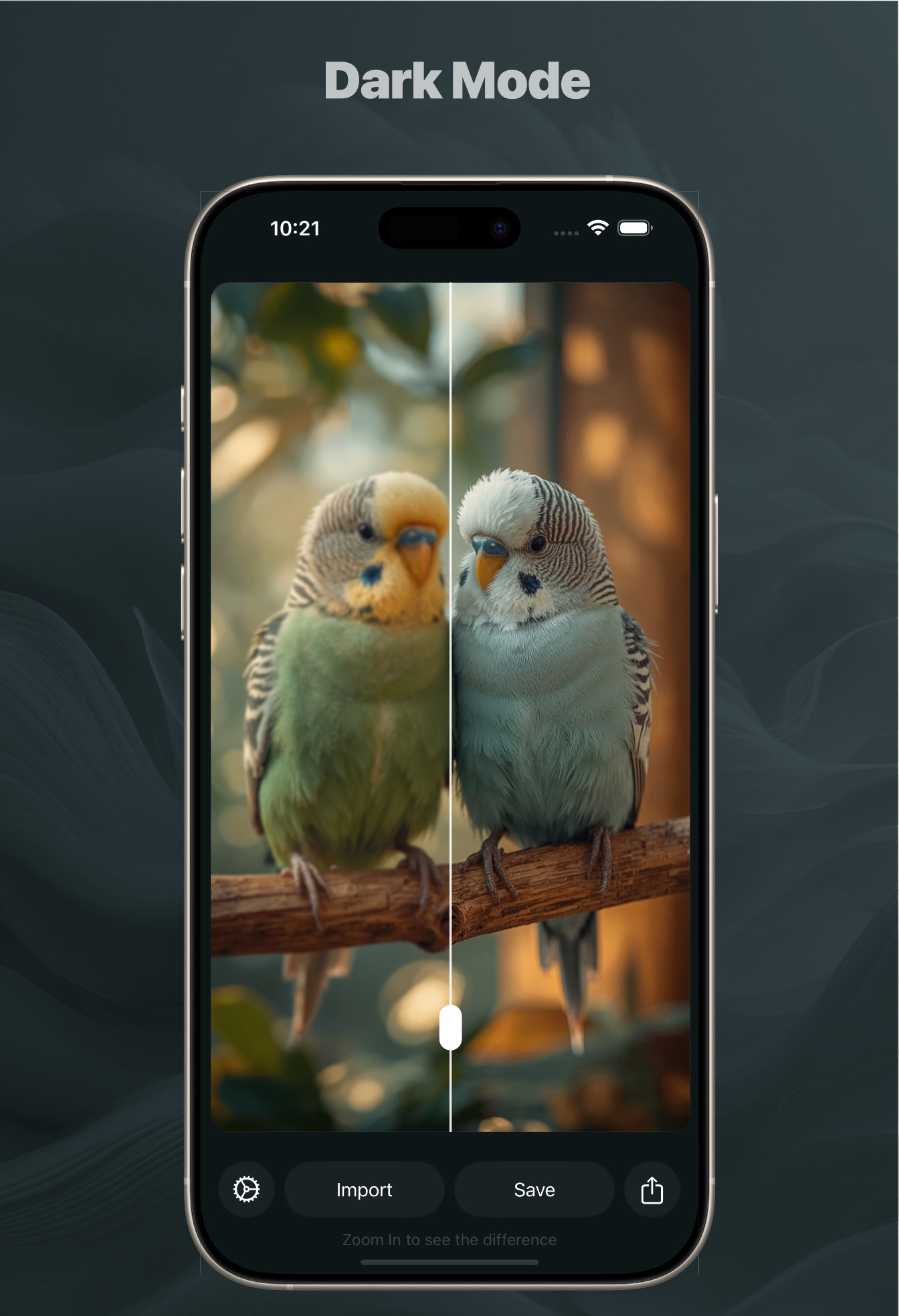
Dark Mode is also supported, providing a comfortable interface when you prefer a darker workspace or are refining photos in low-light surroundings.
Make More Of The Photos You Already Have
You do not always need a new photograph. Sometimes the image you care about simply needs more resolution, better clarity, or a second chance.
Photo Refinery gives you a private and straightforward way to upscale blurry, pixelated, old, illustrated, and low-resolution images across your Apple devices. You can learn more about Photo Refinery, then download the app below when you are ready to refine your photos.